
Wireframing tools are increasingly integral to the product development workflow, especially for product managers looking to align vision, team, and delivery. According to a report by WiseGuyReports, the global wireframe software market is projected to experience significant growth, with an expected compound annual growth rate (CAGR) of 10.6% from 2025 to 2035, driven by increasing demand for intuitive design solutions across industries.
For product managers, selecting the right wireframing tool is crucial. These tools facilitate early-stage design, enabling teams to visualize concepts, iterate rapidly, and align on user experience strategies. The integration of features such as real-time collaboration, AI-assisted design, and seamless handoff to development teams has become a standard expectation in 2025.
Table of Contents
- What Product Managers Need in a Wireframing Tool
- Why Mokkup is the Best Tool for Product Managers?
- Other Top Wireframing Tools for 2025
- Wireframing Tools Comparison Table (2025)
- Choosing the Right Tool for Your Team
What Product Managers Need in a Wireframing Tool
Wireframing is more than just sketching layouts; it is a strategic step for product managers to align teams, plan features, and streamline decision-making. Choosing the right tool can significantly impact workflow efficiency, team collaboration, and product quality.
Key Requirements for Product Manager Wireframing Tools:
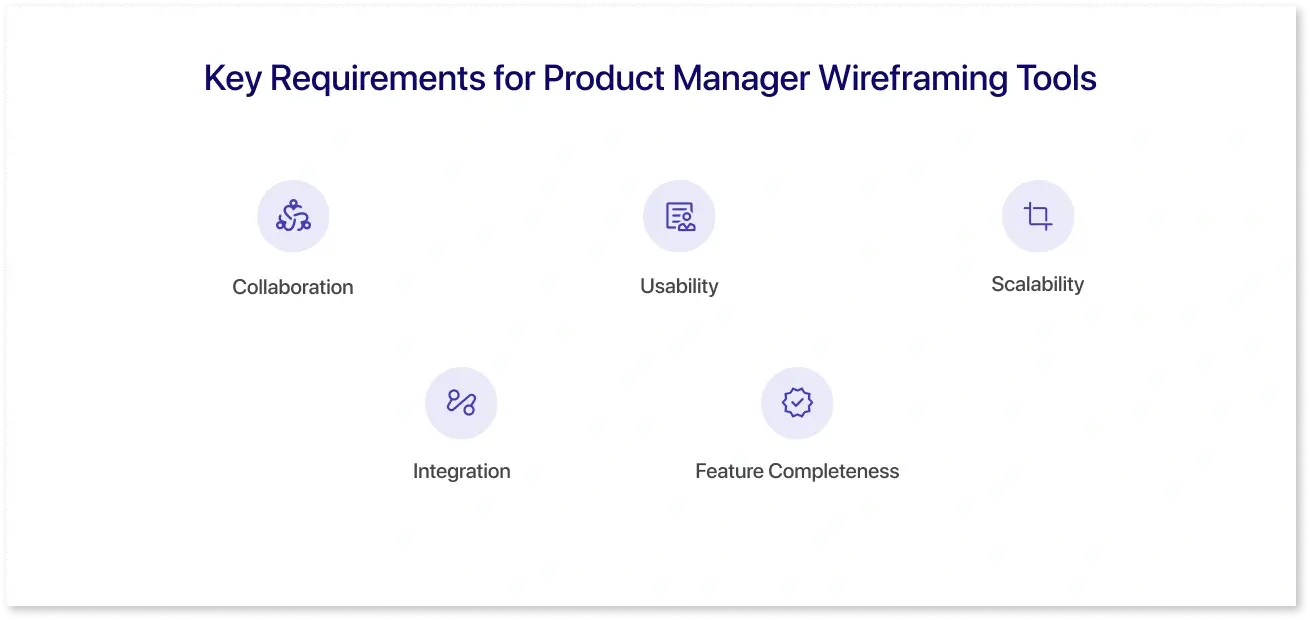
- Collaboration: Modern product teams are often distributed across different locations. Collaborative wireframing tools enable multiple users to edit, comment, and provide feedback in real-time, reducing bottlenecks and ensuring everyone stays on the same page.
- Usability: Product managers require tools that are easy to use, without requiring extensive design expertise. Features like drag-and-drop components, pre-built templates, and interactive elements help create wireframes quickly and accurately.
- Scalability: Tools must support projects of varying sizes and scales. Enterprise wireframing solutions offer features such as version control, project organization, and multi-team access.
- Integration: Compatibility with design software, project management platforms, and analytics dashboards ensures smoother workflows, especially for data-driven products.
- Feature Completeness: Core wireframe tool features, such as responsive layout previews, component libraries, and annotation options, enable teams to communicate ideas effectively.
By focusing on these requirements, product managers can select tools that improve communication, accelerate development cycles, and provide clarity throughout the product lifecycle. These factors also help in evaluating the best wireframing tools have to offer.
Why Mokkup is the Best Tool for Product Managers?
For product managers, creating wireframes for dashboards and interfaces is often a time-consuming process. It requires translating complex data and business requirements into layouts that developers and designers can understand. Mokkup simplifies this process by offering a platform specifically designed for fast, collaborative, and data-driven wireframing. It allows product managers to focus on planning and user experience rather than spending hours on design or manual setup.
Key Features of Mokkup:
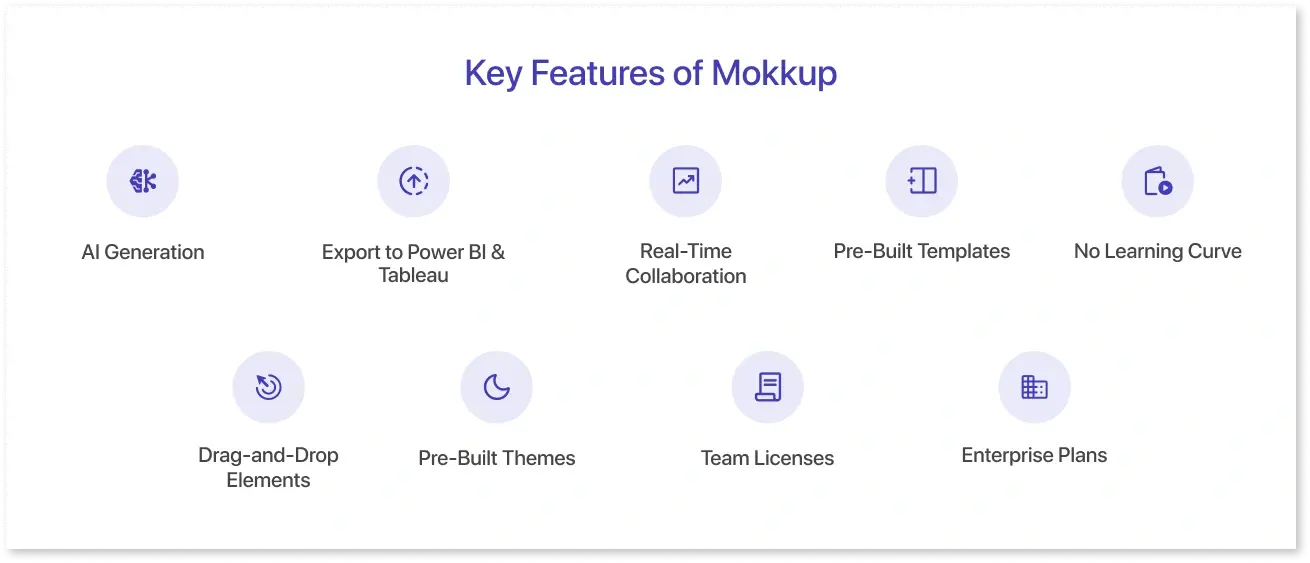
- AI Generation: Mokkup’s AI helps you generate wireframes automatically. By entering basic project requirements or a description of the dashboard, the AI creates a structured wireframe with relevant charts, KPIs, and components. This drastically reduces setup time and gives teams a strong starting point for iteration.
- Export to Power BI & Tableau: Once your wireframe is ready, you can export it directly to Power BI or Tableau. The export preserves your layout, components, and placeholders, allowing seamless integration with your existing BI tools and faster development cycles.
- Real-Time Collaboration: Multiple team members can work on the same wireframe simultaneously. Comments, suggestions, and edits are updated instantly, ensuring everyone stays aligned and feedback is incorporated efficiently.
- Pre-Built Templates: Mokkup offers a wide range of over 400+ ready-to-use templates for dashboards and reports. These templates reduce the need to start from scratch and help teams maintain design consistency across projects.
- No Learning Curve: The platform is built for ease of use. Product managers without design expertise can quickly create wireframes using intuitive controls and guidance, saving training time and avoiding design errors.
- Drag-and-Drop Elements: Build layouts quickly using Mokkup’s drag-and-drop elements, which include charts, tables, filters, and buttons. Customizing dashboards becomes simple and visual, without requiring coding or technical skills.
- Pre-Built Themes: Choose from multiple 15+ pre-designed themes and color palettes to ensure that your dashboards look professional and visually consistent across all wireframes.
- Team Licenses: Mokkup offers flexible team licenses, allowing small and medium-sized teams to collaborate freely without restrictions on users or projects.
- Enterprise Plans: For larger organizations, Mokkup provides enterprise plans that include advanced security, priority support, and features tailored to scale across departments and complex projects.
By combining these features, Mokkup streamlines the wireframing process for product managers. It not only saves time but also enhances collaboration, ensures design consistency, and bridges the gap between planning and development. This makes it a highly practical choice among the best wireframing tools 2025 for product-focused teams.

Other Top Wireframing Tools for 2025
While Mokkup is an excellent choice for product managers focusing on dashboards, several other wireframing tools remain popular for a range of design and collaboration needs. Comparing these options helps teams select the most suitable tool based on project complexity, collaboration requirements, and integration capabilities.
1. Figma
Figma is a leading cloud-based design tool widely used for both UI design and wireframing. Its strengths include real-time collaboration, easy sharing of design files, and an extensive community library of plugins and templates. Product managers benefit from Figma’s prototyping capabilities and seamless handoff to developers. However, it requires some design familiarity to utilize advanced features fully, and it’s less specialized for dashboard wireframing compared to Mokkup.
2. Balsamiq
Balsamiq is known for its simplicity and speed in creating low-fidelity wireframes. Its drag-and-drop interface and sketch-style elements allow quick visualization of concepts without focusing on detailed visuals. It is ideal for early-stage ideation and concept validation but lacks advanced BI integration and export options, which makes it less suitable for complex, data-driven dashboards.
3. Adobe XD
Adobe XD provides a balance between design flexibility and interactive prototyping. It supports integration with other Adobe Creative Cloud tools, making it useful for teams already invested in the Adobe ecosystem. XD excels in high-fidelity designs and interactive mockups, but like Figma, it demands a higher learning curve and is not specifically tailored for dashboard wireframing.
4. Sketch
Sketch is a Mac-native digital design tool that helps you progress from brainstorming ideas to playable prototypes. It offers a wide range of wireframing tools and templates, vector editing capabilities, and supports rapid design and real-time collaboration features. Sketch is particularly favored for its precision and is widely used for creating high-fidelity designs and design systems.
Unlike the above tools, Mokkup focuses on practical, data-driven wireframing for product managers. Features such as AI-generated layouts, Power BI and Tableau export, pre-built templates, and real-time collaboration make it a strong option for teams needing fast, structured dashboard wireframes. Its ease of use, drag-and-drop interface, and enterprise-ready plans differentiate it from more generic design tools.
When evaluating wireframing software in 2025, product managers should consider: the type of project, team size, integration needs, and the balance between speed and customization. Combining Mokkup with tools like Figma or Adobe XD can also offer a hybrid approach, leveraging rapid wireframing for dashboards while allowing high-fidelity design where needed.
Wireframing Tools Comparison Table (2025)
|
Tool Name |
Key Features |
Collaboration |
Best For |
Pricing |
|
Mokkup |
AI generation, drag-and-drop elements, pre-built templates & themes, export to Power BI & Tableau, team licenses, enterprise plans |
✅ Real-time collaboration |
Product managers and data teams |
Free plan + $8/month plan |
|
Figma |
Browser-based design, prototyping, version control, plugin support |
✅ Real-time co-editing |
UX/UI designers and startups |
Free tier + Paid plans starting at ~$12/user |
|
Sketch |
Vector editing, reusable components, design systems, Mac-only |
✅ Cloud collaboration (Mac) |
High-fidelity UI design |
One-time license + Optional subscription |
|
Balsamiq |
Low-fidelity wireframes, quick sketch-style design, simple interface |
❌ Limited |
Early-stage ideation |
Free trial + $9/month plan |
|
Adobe XD |
High-fidelity design, interactive prototyping, Creative Cloud integration |
✅ Limited co-editing |
Design-focused teams in Adobe ecosystem |
Free starter plan + Paid from ~$10/month |
Choosing the Right Tool for Your Team
Selecting the right wireframing tool depends on the team’s size, project complexity, and the requirements for collaboration. For product managers, the goal is to find a solution that strikes a balance between speed, usability, and integration with existing workflows.
Factors to Consider:
- Team Size and Collaboration: Small teams often prioritize ease of use and simple sharing, while larger teams benefit from enterprise plans that offer advanced collaboration features. Real-time editing and commenting help reduce feedback delays and keep everyone aligned.
- Project Type: For dashboard-heavy, data-driven projects, tools like Mokkup that offer AI-generated wireframes and export to Power BI or Tableau can save significant time. For creative UI design projects, tools like Figma or Adobe XD may provide more flexibility.
- Integration and Workflow: Consider how the wireframing tool fits with your current tech stack. Integration with BI tools, project management platforms, and design software can streamline development and reduce manual work.
- Feature Requirements: Identify which wireframe tool features are essential: drag-and-drop elements, pre-built templates, themes, version control, and team licenses so the tool aligns with your team’s workflow and goals.
By carefully evaluating these factors, product managers can select a wireframing tool that enhances efficiency, collaboration, and overall product quality. Mokkup, with its dashboard focus and enterprise-ready options, is particularly suited for teams aiming to streamline wireframe creation in 2025.
Conclusion
Wireframing tools play a critical role in helping product managers translate ideas into actionable, visual layouts. By providing a clear structure for dashboards, reports, and interfaces, these tools reduce miscommunication, accelerate development, and improve collaboration across teams.
In 2025, choosing the right wireframing software means considering team size, project complexity, integration with other tools, and essential features like drag-and-drop elements, pre-built templates, and real-time collaboration. Both free and enterprise solutions are available to fit different needs, making it easier for teams to adopt tools that enhance productivity.
Ultimately, the best wireframing tools enable product managers to focus on strategy, usability, and effective communication, ensuring that design ideas translate into successful, functional products.
Frequently Asked Questions
The best tool depends on the team's needs. Options like Mokkup, Figma, and Balsamiq offer ease of use, collaboration, and integration with other software.
Figma (free tier), Balsamiq (trial), Pencil Project, and Mokkup’s free options are popular for small teams or early-stage projects.
Figma excels in collaboration, Balsamiq is fast for creating low-fidelity wireframes, and Sketch is strong for detailed design, but it is only available for Mac.
Essential features include drag-and-drop elements, templates, real-time collaboration, AI-assisted generation, and BI tool export options.
Yes. Tools like Mokkup, Figma, and Adobe XD allow multiple users to edit and comment simultaneously.
Free or premium tools like Figma, Pencil Project, and Mokkup are ideal for small teams, while paid team or enterprise plans provide better value for larger groups.
Prompt it. Wireframe it with Mokkup.ai.