Mokkup.ai and Figma are top choices for dashboard design, with unique benefits for designers, developers, and industry stakeholders. Mokkup.ai is a tool for making wireframes online. It helps design dashboards easily with templates for data pros and non-designers.
Figma is a platform that focuses on teamwork and smooth collaboration between design and development. It helps teams work together and make changes quickly and effectively.
Choosing the right design tool affects speed, quality, and teamwork for project success. We compare Mokkup.ai and Figma to help users choose their needs and goals best. We analyze the strengths and weaknesses of each tool.
This comparison will assist users in selecting the most suitable option. Whether it's visualizing ideas swiftly or fostering seamless collaboration, understanding the nuances of each tool is crucial in navigating the intricacies of digital design projects.
Table of Contents
- What is Mokkup.ai?
- What is Figma?
- Use Case and Industries
- Price Comparison
- What Makes Mokkup Stand Out?
What is Mokkup.ai?
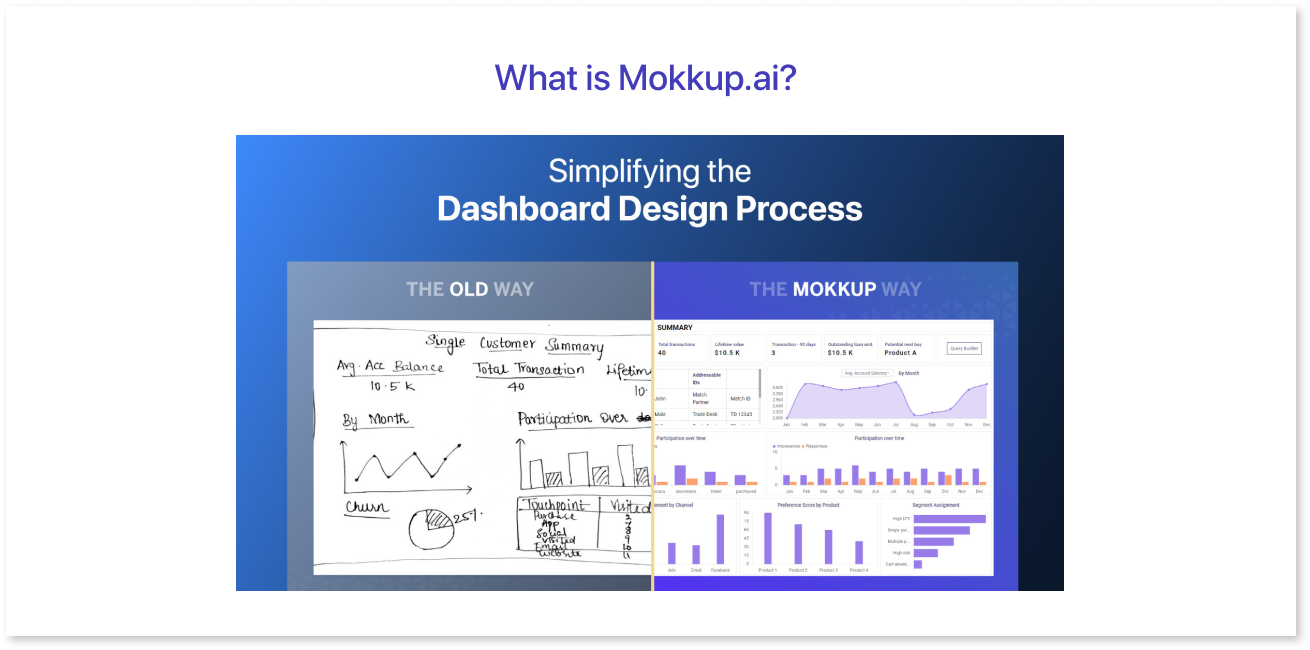
Mokkup.ai revolutionizes the landscape of dashboard wireframing by providing a comprehensive, cloud-based solution to the challenges faced by data analysts, developers, and business teams. With its focus on streamlining the wireframing process, enhancing collaboration, and eliminating the need for complex design tools, Mokkup.ai emerges as a game-changer in dashboard design.
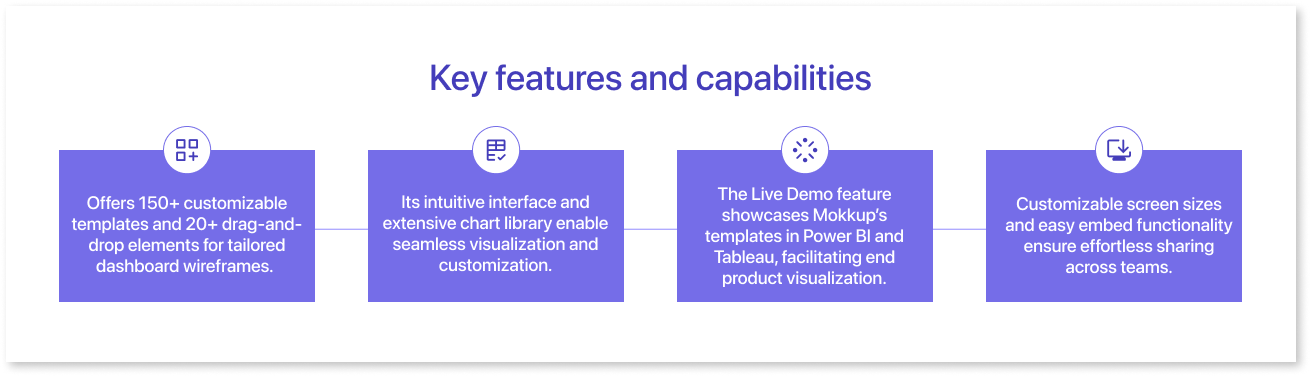
Key features and capabilities:
User interface and ease of use:
- Prioritizes user flow and experience, offering an intuitive, user-friendly interface requiring a minimal learning curve.
- Non-designers can quickly grasp the platform's functionalities and create wireframes in minutes.
- The drag-and-drop functionality simplifies the wireframing process, enabling users to easily arrange elements and customize their designs.
- Extensive tutorials and resources are available to guide users through the platform, ensuring a smooth onboarding experience and maximizing productivity from the outset.
What is Figma?
Figma is the height of collaborative design, offering an integrated place for teams to co-create easily. Its real-time collaboration capabilities enable designers to collaborate more efficiently, increasing visibility throughout the product design process.
Overview of features and functionalities:
- Tailored to meet the diverse needs of design teams, from prototyping to code translation.
- With realistic prototyping capabilities, designers can create immersive experiences and iterate quickly to gather valuable feedback.
- Dev Mode helps developers bridge design and development, giving clarity and tools to turn designs into code effectively.
- Figma's design systems streamline workflows by saving time and maintaining consistency through reusable assets and standardized components.
- FigJam, an online whiteboard, facilitates team alignment and collaboration, enabling seamless communication from kickoffs to retrospectives.
User experience and interface:
- Figma boasts an intuitive user interface that promotes ease of use and accessibility for designers of all levels.
- Its collaborative features ensure team members can work together effortlessly, regardless of geographical location or time zone.
- The platform's focus on real-time updates and visibility enhances transparency and fosters a sense of unity among team members.
- Figma provides strong tools for design teams to work efficiently and boost productivity by streamlining workflows.
Feature Comparison:
| Feature Comparison | Figma | Mokkup |
| Design capabilities | Comprehensive design platform | Specialized in dashboard wireframing |
| Wireframing | Versatile wireframing across various design projects | Dedicated platform for dashboard wireframing |
| Prototyping | Advanced prototyping features | Good prototyping features for interactive experience |
| Collaboration tools | Real-time co-creation features | Simple commenting feature for easy feedback. |
| User interface | Intuitive interface and ease of navigation | User-friendly interface with a steep learning curve |
| Customization | Versatility in customization across design projects | Vast customization options focused on dashboard wireframing |
Use Cases and Industries
Mokkup.ai is perfect for:
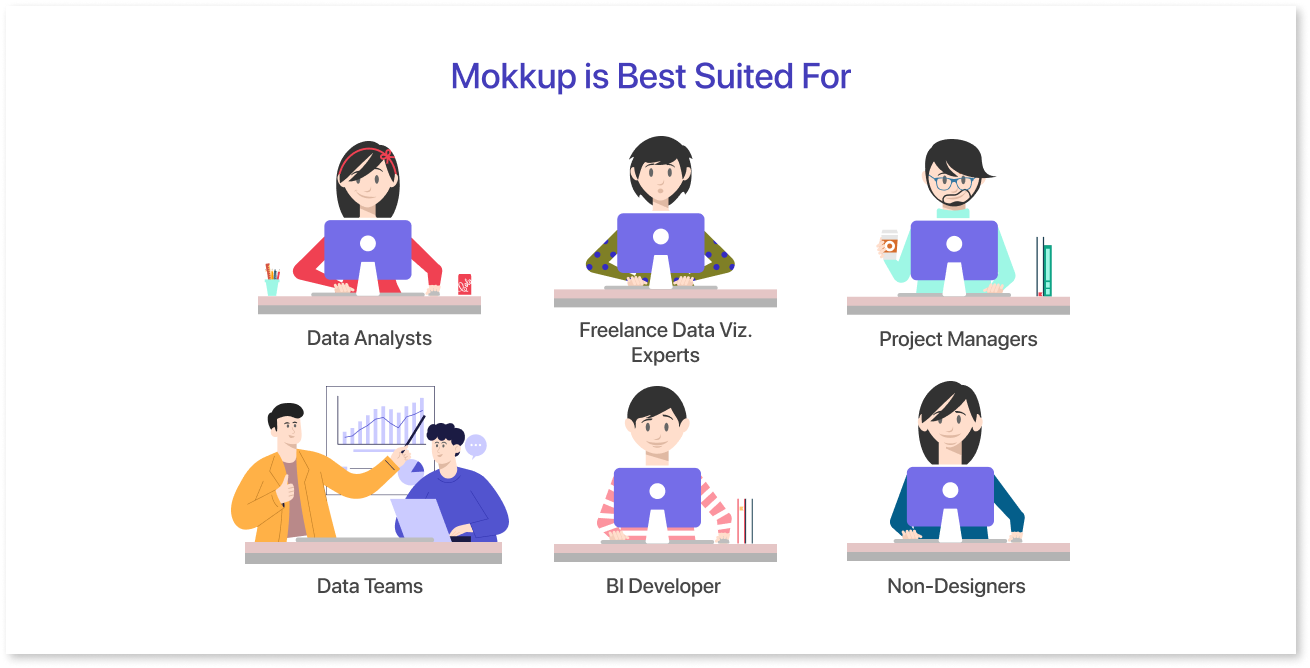
- Data Analysts: Easily translate complex data into visually engaging dashboards without the need for extensive design skills.
- Freelance Data Viz. Experts: Enhance your workflow with Mokkup.ai's efficient tools for rapid prototyping and customization, allowing you to focus on delivering high-quality visualizations.
- Project Managers: Quickly prototype dashboard concepts to communicate ideas effectively and gather stakeholder feedback.
- Data Teams: Empowering every team member to craft impactful dashboards effortlessly.
- BI Developer: Streamline the dashboard creation process by leveraging Mokkup.ai's intuitive interface and pre-designed elements.
- Non-Designers: Mokkup.ai is easy to use, even if you're not a design pro. It doesn't require any special skills or training, so anyone can jump in and start creating awesome designs in no time.
Figma is best suited for:
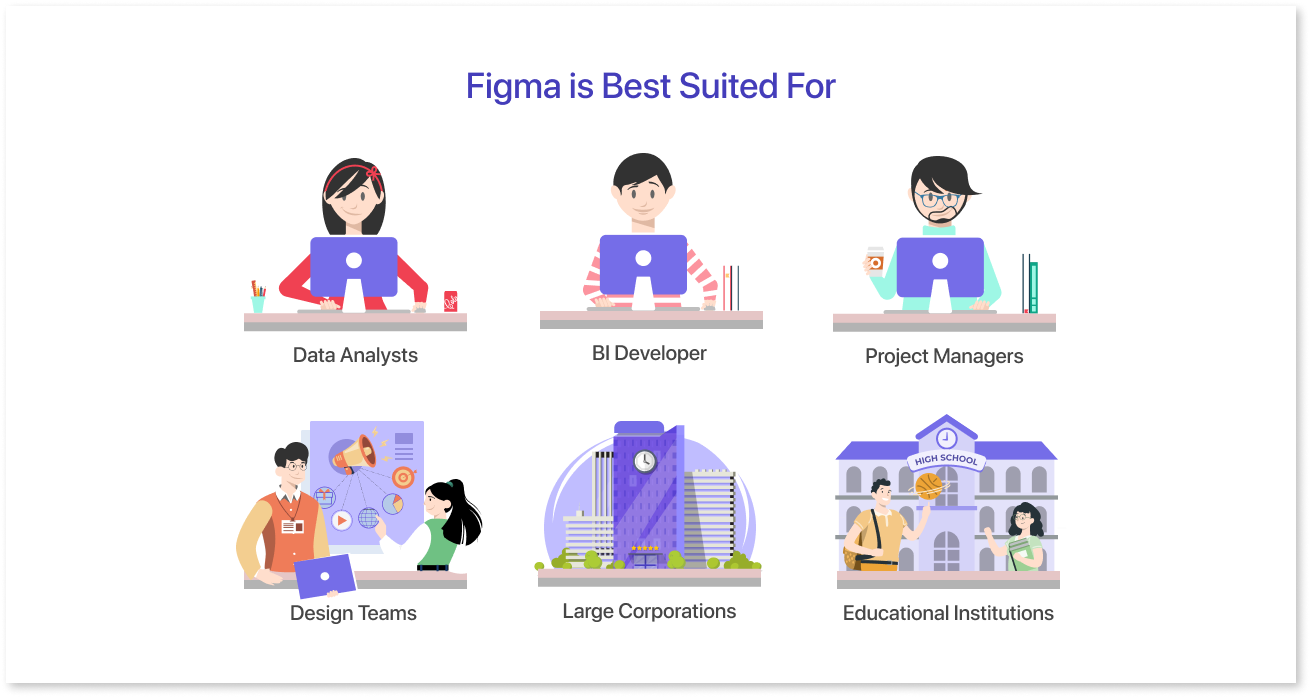
- Data Analysts: Figma may not be the primary tool for data analysts as its main focus is design and prototyping rather than data analysis. Data analysts typically use specialized software such as Excel, Tableau, Power BI, or Python libraries like Pandas and Matplotlib for data manipulation, analysis, and visualization.
- BI Developer: While Figma can be used for prototyping interfaces, BI developers are more likely to rely on tools specific to their field for creating interactive and data-driven visualizations. Mokkup aids here as a figma alternatives.
- Project Managers: Project managers can use Figma to review and provide feedback on design mockup tools and collaborate with designers.
- Design Teams: If you work in a team of designers where collaboration is key, Figma is the go-to tool with multiple figma templates. It allows multiple people to work on the same project simultaneously, making teamwork a breeze.
- Large Corporations: Companies with complex design needs often rely on Figma. Its advanced features and scalability make it suitable for handling large-scale projects and managing multiple teams.
- Educational Institutions: Figma is also popular in educational settings, especially for teaching design courses. It provides students with real-world experience in collaborative design and prepares them for careers in the industry.
Pricing Comparison
Mokkup's Pro plan offers a comprehensive range of features at a significantly lower cost than Figma's Professional plan. Mokkup provides lifetime access to its Standard Free plan without requiring credit card details. This makes it a convenient option for users who need essential wireframe tools.
| Feature | Mokkup | Figma |
| Pricing |
Standard Free: Lifetime access, no credit card needed. Mokkup Pro: Billed yearly at $96 or monthly at $10 |
Free: Figma editor, three collaborative design files, unlimited personal drafts, basic file inspection. Professional: $12 per month. Organization: $45 per month. Enterprise: $75 per month |
| Design features |
Standard Free: 5 Editable templates/categories, three customizable projects, and screens/project Mokkup Pro: 150+ editable templates, unlimited, customizable projects, unlimited screens per project, 10+ global themes, custom screen sizing |
Professional: Unlimited Figma files, team libraries, advanced prototyping. Organization: Organization-wide range of libraries, design system analytics, branching, and merging. Enterprise: Advanced theming with 40 modes, REST API for variables, design system defaults by workspace |
What Makes Mokkup Stand Out?
What sets Mokkup.ai apart from other design tools like Figma? Mokkup.ai stands out because it is specifically built for data professionals.
Unlike Figma, Mokkup.ai introduces an innovative approach to commenting features, revolutionizing collaboration and communication in data analysis and reporting.
Taking cues from industry-leading platforms like Mockflow, Adobe XD, PowerBI, and Notion, Mokkup.ai seamlessly integrates element-wise and general comments into a Miro-like overlay menu, elevating user experience and efficiency. This unique feature capitalizes on existing user interactions, eliminating the need for right or left-click actions and streamlining the commenting process.
With Mokkup.ai, users can effortlessly add, resolve, and manage comments, fostering smoother collaboration and accelerating project workflows.
Final Thoughts
In the digital design world, where people create website design, apps, and other cool stuff, Mokkup.ai is like the superhero of making dashboard designs. It is super easy to use and has tons of ready-made designs you can customize to make your own. While Figma is great at letting teams work together in real-time and connect different parts of a project, Mokkup.ai focuses more on making designing dashboards super simple and fun.
So, if you're ready to make your digital projects stand out without all the fuss, Mokkup.ai is your go-to sidekick in the world of design adventures.
Prompt it. Wireframe it with Mokkup.ai.