
Designing the first version of a website, app, or dashboard often feels slow when every element has to be arranged manually. What if you could create a wireframe just by describing it in plain text?
That’s exactly what prompt-based wireframing tools make possible. Instead of starting with blank screens, you provide text prompts, and the AI generates structured layouts instantly. A wireframing tool with AI prompts can take simple instructions like “build a landing page with a header, two sections, and a signup form” and turn them into a ready draft.
These tools are part of a growing shift in design workflows. They speed up ideation, remove repetitive steps, and make wireframing more accessible for people without professional design skills. In this way, prompt-based wireframing tools are bridging the gap between ideas and usable drafts.
Table of Contents
- Why Use AI for Prompt-Based Wireframing?
- 5 Best AI Tools for Prompt-Based Wireframing
- Key Features Comparison of Top AI Wireframe Tools
- How to Choose the Right AI Wireframing Tool
- Future Trends in AI-Driven Wireframing
Why Use AI for Prompt-Based Wireframing?
Wireframing is often the most time-consuming stage in product design. Teams need to decide layouts, organize elements, and test different versions before moving to detailed designs. Using AI for prompt-based wireframing simplifies this process by letting you describe the layout in text, while the tool handles the structure.
Research shows AI tools increased productivity by 66% across roles. An AI wireframe tool with prompts reduces the need for manual adjustments. Instead of spending hours aligning boxes or deciding button placements, you can focus on communicating the idea clearly. This makes it easier to experiment with multiple variations without investing extra effort.
Here’s why teams prefer prompt-based wireframing tools:
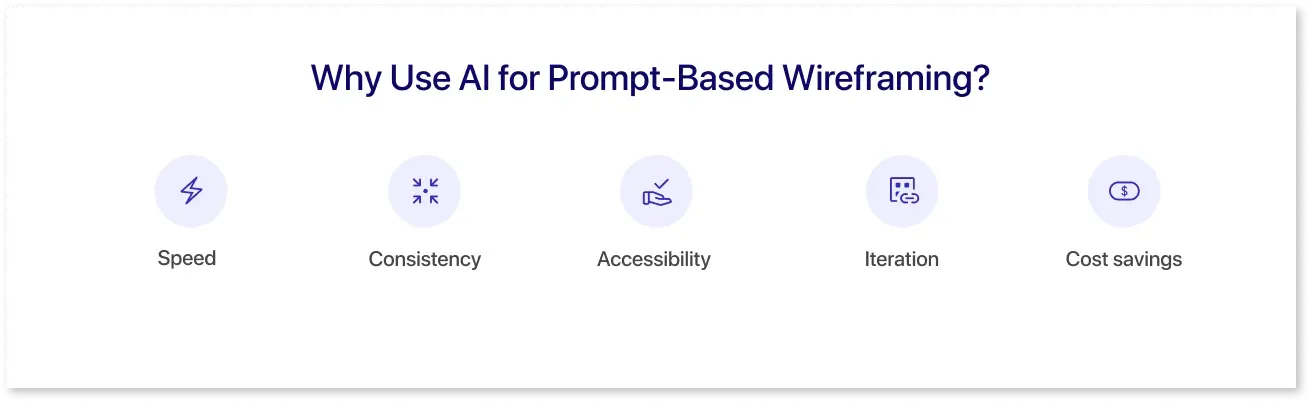
- Speed: Designs are created in seconds with text inputs.
- Consistency: AI ensures that spacing, alignment, and layout follow clean patterns.
- Accessibility: Even non-design professionals can create wireframes using text prompts.
- Iteration: Editing or refining a wireframe is as simple as updating the text.
- Cost savings: Reduces dependency on large design teams for early drafts.
Combining simplicity with automation, text prompt wireframing tools help businesses move from idea to draft faster. For organizations working on multiple projects or MVPs, adopting fast wireframe generator tools ensures quicker validation and better productivity
5 Best AI Tools for Prompt-Based Wireframing

A growing number of platforms now offer AI-driven wireframing features. A 2025 study found that 78% of design teams use AI to create wireframes, reducing prep time by half. Each tool has its strengths, but the common factor is the ability to turn text prompts into usable wireframes. Below are some of the best prompt-based wireframing tools worth exploring.
1. Mokkup.ai
Mokkup.ai is a wireframing tool with AI prompts designed for fast dashboard and business wireframes. Users can enter text prompts like “create a sales dashboard with KPIs and charts”, and the tool generates layouts instantly. It also offers drag-and-drop customization, pre-built templates, and cloud-based collaboration, making it a reliable choice for teams.
Key Features:
- AI-Generated Wireframes: Use simple text prompts to generate dashboard layouts. Mokkup’s GenAI transforms descriptions into wireframes with KPIs, charts, and layouts.
- One-Click Export to BI Tools: Export wireframes directly into Power BI or Tableau with dummy data included, helping teams test interactions and layout before full development.
- Real-Time Collaboration: Designers, analysts, and stakeholders can work together live, share comments, and refine drafts in one place.
- Faster Workflow, Reduced Development Time: Teams can design and validate dashboards in about 30 minutes, speeding up approvals and cutting BI development time by up to 80%.
2. Uizard
Uizard is widely used for mobile and web wireframing. With its AI assistant Autodesigner, users can create wireframes from text descriptions and even convert sketches into digital layouts.
3. Visily
Visily helps non-designers build wireframes through AI-powered prompts. It includes smart layout suggestions and strong collaboration features, making it suitable for teams needing quick iterations.
4. Figma AI Plugins
While Figma itself is not a text prompt wireframing tool, AI plugins extend its functionality. These allow users to input prompts and generate basic layouts directly within the Figma workspace.
5. Galileo AI
Galileo AI focuses on generating UI drafts from natural language prompts. It is tailored toward apps and interactive designs, offering an evolving approach to AI-driven wireframing.
The best prompt-based wireframing tools simplify early design workflows, reduce manual work, and help teams iterate faster. Whether you need dashboards, apps, or websites, these platforms allow you to create and refine layouts using just text instructions.
Key Features Comparison of Top AI Wireframe Tools
Choosing between different text prompt wireframing tools depends on how well they fit your workflow. Industry statistics reveal 80% of businesses actively use dashboards for decision-making. While all of them can generate wireframes from text, some focus on dashboards, others on apps or websites. Here’s how they compare:
- Mokkup: Best suited for dashboards and BI teams. It uses GenAI to create precise layouts with KPIs and charts. A standout feature is its one-click export to Power BI and Tableau, significantly reducing development time. Real-time collaboration makes it a strong fit for analysts, designers, and stakeholders.
- Uizard: Focused on web and mobile app design. Its Autodesigner AI can turn plain text into interactive wireframes. It also allows sketch-to-wireframe conversion, making it useful for teams that prefer starting with rough ideas and digitizing them quickly.
- Visily: Built for accessibility, Visily is designed to help non-designers create wireframes easily. It combines text prompts with smart layout suggestions. Collaboration features are included, making it suitable for product teams that want to iterate quickly.
- Figma with AI Plugins: While Figma itself isn’t a text prompt wireframing tool, its AI plugins extend its functionality. Teams already working in Figma can add text-to-wireframe generation inside their existing workflows, keeping everything in one platform.
- Galileo AI: Focuses on app UI design. It transforms natural language prompts into user interface drafts. Although collaboration features are still developing, it offer strong potential for teams that need quick app concepts.
Key Insights:
- Choose Mokkup if dashboards and BI workflows are your priority & non-designers or business users are involved.
- Go for Uizard or Galileo AI if you focus on apps and interactive UIs.
- Stick with Figma AI plugins if your team is already using Figma heavily.
The best prompt-based wireframing tools share the same goal: turning ideas into usable drafts faster. The difference comes down to specialization and workflow integration.
How to Choose the Right AI Wireframing Tool
When evaluating prompt-based wireframing tools, the choice should align with how well the platform supports your specific design workflow. While several AI wireframe tools with prompts exist, Mokkup stands out as the most specialized option for dashboard design and BI use cases.
Mokkup is built for data analysts, BI developers, and stakeholders who need accurate dashboard layouts before committing to full BI development. Unlike general-purpose text prompt wireframing tools, it allows teams to generate high-fidelity dashboard wireframes from simple prompts and then export them directly into Power BI or Tableau. This feature alone eliminates manual rework and accelerates development timelines.
Key reasons to consider Mokkup as your primary wireframing tool:
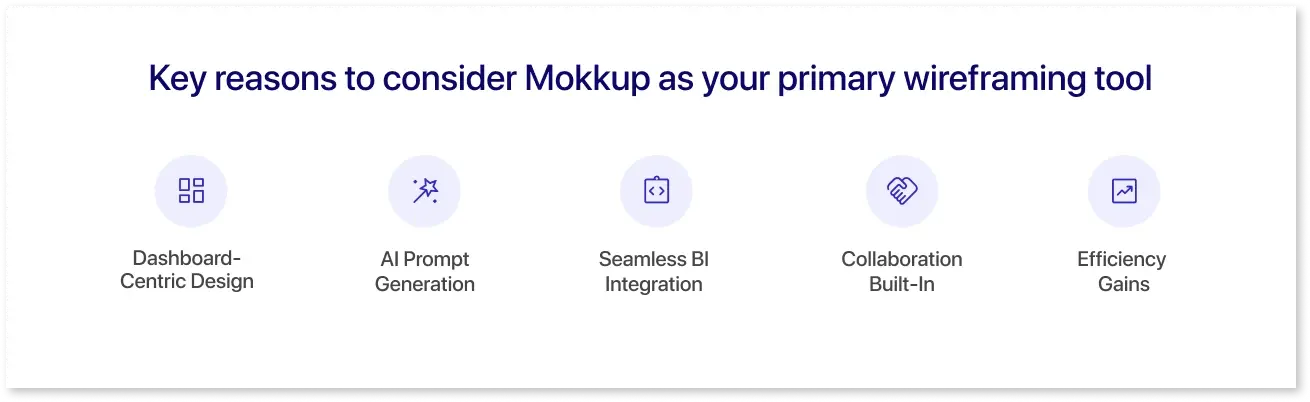
- Dashboard-Centric Design: Purpose-built for KPI tracking and business reporting needs.
- AI Prompt Generation: Quickly convert plain text into ready-to-use wireframes with charts, tables, and layouts.
- Seamless BI Integration: Direct export into Power BI and Tableau, including dummy data for testing interactions.
- Collaboration Built-In: Teams can align on design requirements faster with real-time feedback.
- Efficiency Gains: Cuts down dashboard design and approval cycles by up to 80%.
Example Scenarios (using Mokkup):
- Executive Sales Dashboard: “Create a sales dashboard with monthly revenue, win rate, top 10 deals, regional map, and YoY trend.” Generate, align with the VP of Sales, then export to Power BI for interaction checks.
- Customer Support KPIs: “Build a support dashboard with tickets by channel, first response time, CSAT score, backlog by priority, and agent leaderboard.” Share with ops for comments; approve in one review cycle.
- SaaS Funnel Overview: “Design a marketing-to-revenue dashboard showing website sessions, signups, MQL-SQL conversion, pipeline, and ARR by segment.” Adjust segments via prompts; export to Tableau to mirror filters.
- Finance Snapshot: “Create a CFO dashboard with cash balance, burn rate, runway, top expenses, and variance vs. budget.” Validate layout in 30 minutes, then hand off to BI for data binding.
If your scope is dashboards and BI alignment, Mokkup can be your primary choice among the best prompt-based wireframing tools. General-purpose options are useful for apps and websites, but they lack Mokkup’s BI precision and export workflow, which a wireframing tool with AI prompts must deliver for data teams.
Future Trends in AI-Driven Wireframing
AI-driven wireframing is moving toward more intelligent and integrated workflows. Future tools will generate layouts from text and understand business context, suggest industry-specific components, and connect with live datasets for more accurate dashboards. Collaboration features will also become richer, allowing teams to refine wireframes with minimal manual effort.
Mokkup already reflects these upcoming trends with its ability to export directly into Power BI and Tableau, bridging the gap between design and development. As fast wireframe generator tools evolve, platforms like Mokkup will lead the shift from simple wireframes to data-aware, prototype-ready solutions that save time and reduce rework.
Conclusion
Prompt-based wireframing tools are transforming how teams create and share early design drafts. Converting text instructions into layouts speeds up workflows, reduces repetitive design tasks, and makes wireframing more accessible for both designers and non-designers. As these tools continue to evolve, they will play a key role in faster approvals, shorter development cycles, and more efficient collaboration across product teams.
Frequently Asked Questions
They turn text instructions into wireframes by interpreting your prompts and generating layouts automatically.
They save time, cut manual effort, and let non-designers create wireframes easily.
Popular options include Mokkup, Uizard, Visily, Galileo AI, and Figma with AI plugins.
Yes, most tools support both web and mobile layouts.
No, clear prompts are enough to create wireframes without prior design skills.
Prompt it. Wireframe it with Mokkup.ai.