
Why do some dashboards leave a lasting impact while others lacklusterly convey information? One of the pivotal strategies in crafting an effective dashboard experience is through dashboard wireframing—laying the groundwork for design structure before implementation.
A dashboard wireframe serves as the skeletal blueprint of a dashboard long before aesthetics like colors and fonts take center stage. It's the foundational structure, dictating the arrangement of essential elements. This article delves into the core principles of dashboard wireframing and how this covert process sets the stage for intuitive and user-centric dashboard designs.
Let's explore the power of dashboard wireframes in shaping compelling data experiences that resonate with your audience, optimize leads, and engage visitors.
Table of Contents
- Why You Should Wireframe Your Web Experiences
- 9 Best Practices for Creating Effective Wireframes
- 5 Wireframing Tools to Use
- Wireframes: The Blueprint of Web Mastery
Why You Should Wireframe Your Dashboard Experiences
While dashboard wireframes prove immensely beneficial in crafting robust data-driven interfaces, many overlook this pivotal step. At times, designers and stakeholders opt to bypass the dashboard wireframing process, opting for impromptu design decisions.
This hasty approach might yield acceptable results occasionally. Yet, more often than not, it leads to chaotic dashboard designs. Why does dashboard wireframing matter in creating impactful data experiences? Here are several specific benefits highlighting the importance of the wireframing process.
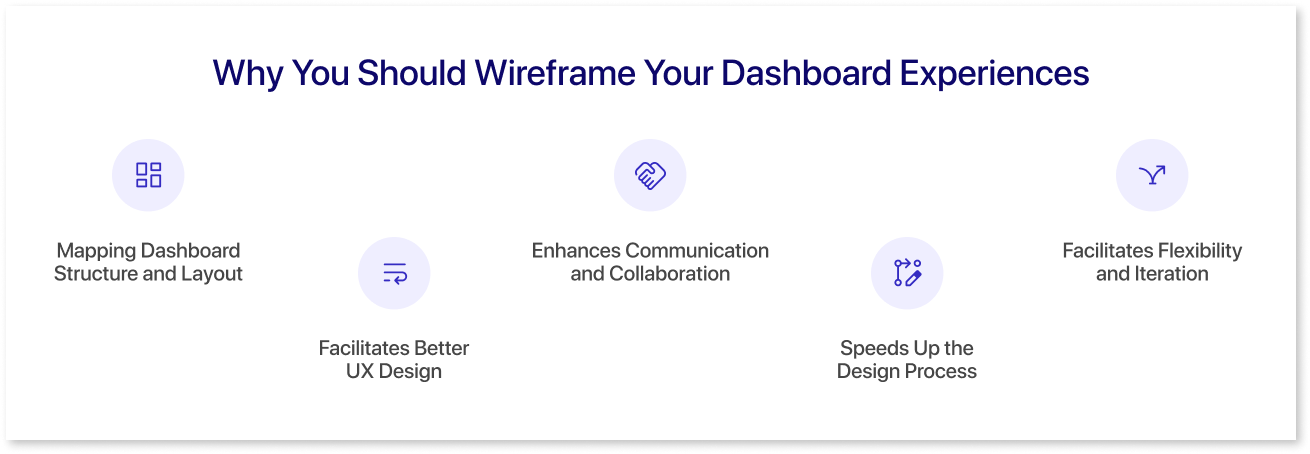
Mapping Dashboard Structure and Layout
Wireframing your dashboard helps in visualizing its structure. It provides a blueprint for layout, detailing the arrangement of elements such as data displays, navigation, and key components. This clarity aids in creating a user-friendly and intuitive design.
Wireframes act as a guide for both designers and developers, ensuring consistency across dashboard screens. Establishing a solid structure early on can identify and resolve potential structural issues, saving time and resources in the long run.
Facilitates Better UX Design
Wireframes are crucial for designing a seamless user experience. Studies show that 88% of users will unlikely return to a website after a bad user experience. Preparing wireframes will allow designers to focus on usability before adding visual elements. That way, your designers can plan the user journey by wireframing, ensuring the site is easy to navigate and user-friendly.
Wireframes will help you create a dashboard that meets the needs and expectations of its users. They also provide an opportunity to test and refine UX strategies, such as the call-to-action button placements and user interaction flows, among many others.
Enhances Communication and Collaboration
Wireframes act as an effective communication tool for bridging the gap between designers, developers, clients, and stakeholders. They provide a visual reference that everyone can understand and discuss.
This common ground facilitates better collaboration between all parties, helping align everyone with the project’s goals and expectations. It also makes gathering feedback and making revisions and changes easier. This way, the final design aligns better with the client's vision, the design team’s limitations and capabilities, and the end user’s experience preferences and needs.
Speeds Up the Design Process
Most people think that wireframes will only slow down the dashboard development process. However, experienced product managers and design leads will agree that wireframes can streamline the dashboard development process.
Laying out a dashboard’s basic structure and KPI card allows designers to quickly move to the more detailed aspects of dashboard design and development. Wireframes act as a roadmap that will reduce the time spent on revisions and rework. They help identify and solve design challenges early, which will eventually lead to more efficient workflows and faster project completions.
Facilitates Flexibility and Iteration
Wireframes make modifications and iterations easier for everyone involved in the design process. Since wireframes are typically low-fidelity and schematic, UX/UI designers can swiftly make it without requiring extensive redesigns. This flexibility matters greatly during the early stages of dashboard development, where ideas and concepts are constantly evolving.
Moreover, using wireframes lets your teams experiment with different layouts and functionalities, so you come up with the most fitting user flow and experience. This lets your team come up with the best possible solutions before moving into high-fidelity designs and development.
9 Best Practices for Creating Effective Wireframes
Now that you know why creating wireframes matters greatly, let’s move to some tips and best practices that make effective wireframes. Here are some of the most actionable and impactful practices of master wireframe builders:
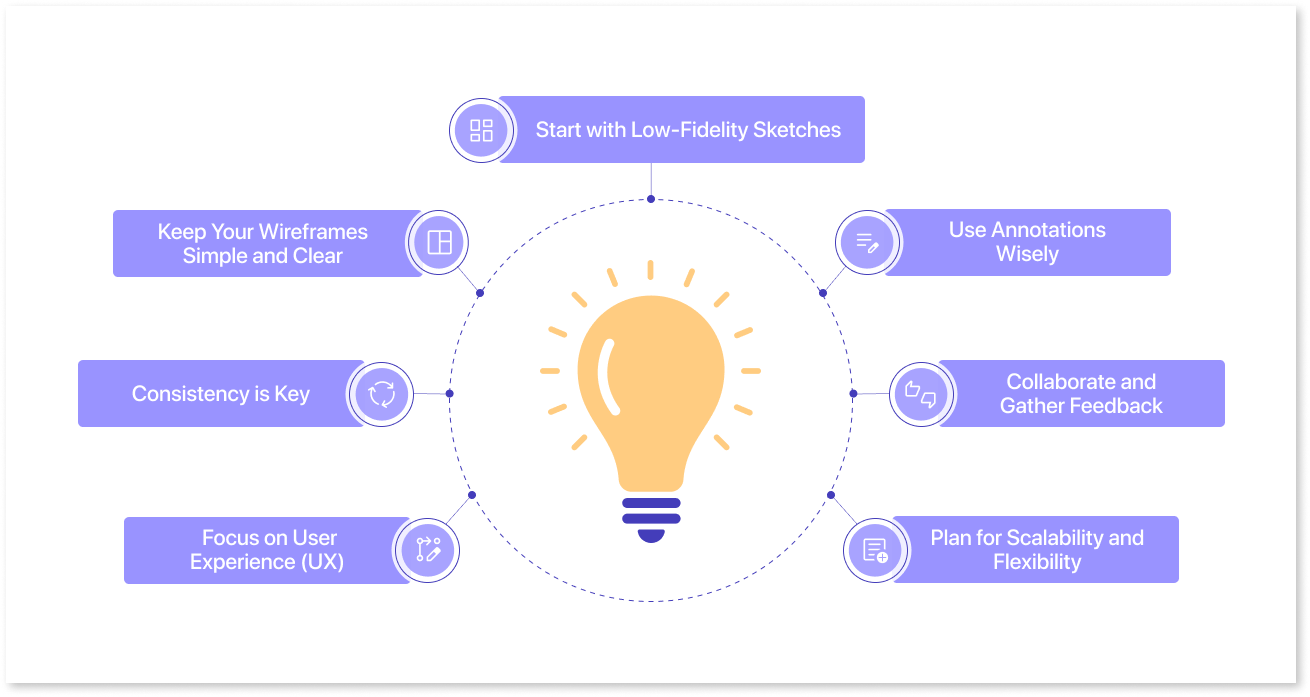
1) Start with Low-Fidelity Sketches
The starting point of wireframes: low-fidelity sketches. This approach is how the majority of designers initiate the wireframe-building process. In fact, 86% of designers start with pencil, paper, or a whiteboard when brainstorming wireframes.
Low-fidelity wireframes allow for rapid iteration and flexibility and focus on functionality rather than aesthetics. When creating sketches, start off with simple shapes and placeholders for content and images. This approach encourages brainstorming and experimentation without getting bogged down in details.
After you have your sketches, you can use wireframing tools to build out the digital versions. You can pick up an online graphic design degree to learn how to use wireframing tools or hire someone who is already well-versed in these tools. Later on in this article, we’ll share some of the best tools for wireframing.
2) Keep Your Wireframes Simple and Clear
Wireframes should be simple and easy to understand for the benefit of non-technical stakeholders, most especially. We always recommend that designers avoid clutter when creating their wireframes and focus on the essentials.
For example, when creating a dashboard wireframe, try to create graphs and tables in the most simple format. Use clear, standardized symbols and labels for all your elements. This simplicity helps stakeholders and team members quickly grasp your design concept so that everyone can agree on the experience’s direction and move into the implementation phase as soon as possible. Prioritize clarity over creativity at this stage to ensure the core structure is sound.
Keep in mind that wireframes are not the place for intricate details. Highlight the use of fundamental charts, graphs, and tables to maintain clarity and avoid clutter within dashboard wireframes.
This focus helps in establishing the basic structure without distraction. It ensures that the fundamental aspects of your design are solid before adding finer details.
3) Consistency is Key
Maintaining consistency in your wireframes is one of the most crucial UI best practices. When creating elements, it’s best to use uniform shapes, lines, and labels throughout. Consistent wireframing helps designers create a cohesive user experience, which often translates into better dashboard screens and outputs down the line. It also makes it easier for others to understand and follow your design. Establish a set of conventions at the start and stick to them.
4) Focus on User Experience (UX)
In dashboard wireframes, user experience (UX) takes center stage. These wireframes necessitate meticulous attention to user interaction, focusing on creating layouts that facilitate effortless data comprehension and navigation.
Consider the user's journey through the dashboard—how they access and interpret data. Tailor the wireframe layout to ensure intuitive navigation, enabling users to derive insights and take necessary actions swiftly. Continuously referencing user personas and scenarios helps ensure the wireframe aligns with their needs and expectations.
The goal is to design dashboard wireframes that prioritize not just information display but also seamless user interaction, enhancing overall usability and efficiency.
5) Use Annotations Wisely
Annotations are crucial for explaining the functionality and purpose of elements in your wireframe. Use them to provide context and clarify design choices. However, be concise and avoid over-annotating. Clear, brief annotations help keep the focus on the design itself.
6) Collaborate and Gather Feedback
Collaboration is vital in wireframing. Share your wireframes with team members, stakeholders, and potential users. Gather feedback to refine and improve your design. Collaboration brings diverse perspectives and can highlight issues you might have overlooked.
Use the feedback to iterate and refine your wireframes. Be open to making changes based on the input you receive. Iteration is a crucial part of the design process. It helps in evolving your wireframe into a more effective and user-centric design.
7) Plan for Scalability and Flexibility
Lastly, designers should create their wireframes with scalability in mind. Consider how your design will adapt to different screen sizes and devices. Ensure that your layout is flexible and can accommodate content changes. Planning for scalability from the beginning makes future adjustments easier and more efficient.
5 Wireframing Tools to Use
Are you looking for wireframing tools to use? Check out these options:
-
Mokkup.ai (Best for dashboard mockups) — Mokkup.ai is a great tool for creating wireframes for your dashboards. It has an easy-to-use drag-and-drop feature and several industry-tailored templates to choose from.
-
Figma (Best for drag-and-drop wireframe kits) — Figma is a comprehensive design tool that includes wireframe apps, whiteboarding, and prototyping. It's vector-based and offers extensive testing abilities for interactive elements.
-
Adobe XD (Best for web apps optimized for user experience design) — Adobe XD is the ideal tool for transitioning from low-fidelity wireframes to high-fidelity prototypes. This solution integrates with Adobe Creative Cloud for a seamless design process.
-
Sketch (Best for wireframe kits and resources) — Known for its intuitive, pixel-based artboards, Sketch is great for quickly sketching ideas. It offers a simplistic interface and collaborative artboards.
-
InVision (Best for cross-collaborative work) — InVision is a visual collaboration tool with a drag-and-drop interface. It allows for the creation of interactive wireframes and the collection of comments from team members.
Wireframes: The Blueprint of Dashboard Mastery
Dashboard wireframes serve as pivotal blueprints guiding the creation of compelling dashboards. Through meticulous planning and conceptualization, designers and developers pave the way for a final dashboard that's visually appealing, highly functional, and user-centric.
Adhering to the best practices of dashboard wireframing lays the groundwork for dashboards that engage, inform, and delight users. Effective dashboard wireframing is key to unlocking the full potential of your dashboard presence.
Create quick and easy dashboard wireframes with Mokkup.
Prompt it. Wireframe it with Mokkup.ai.