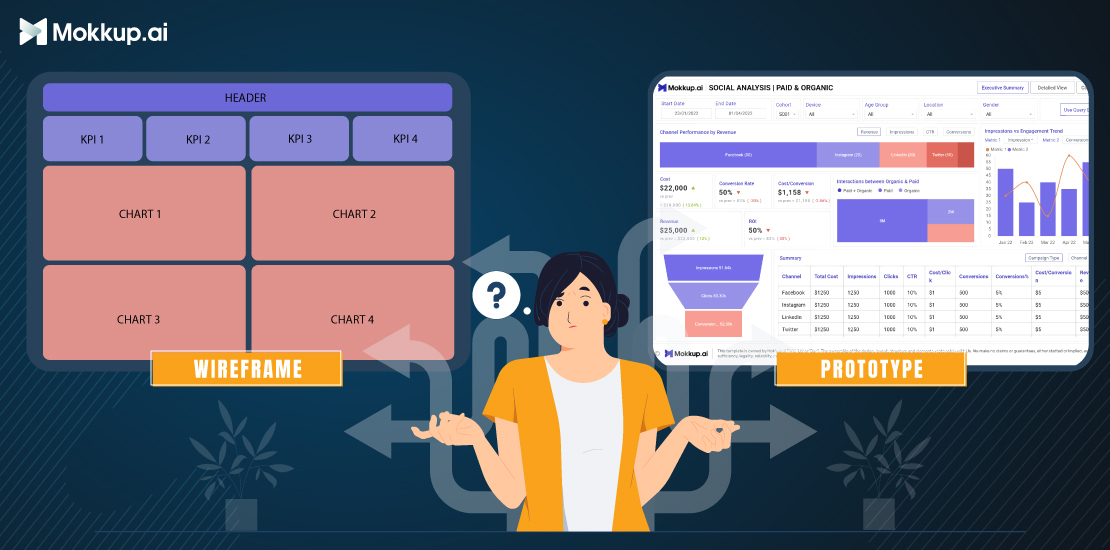
In the world of product development, the terms "wireframe" and "prototype" are often used interchangeably, but they actually represent two distinct stages in the design process. While both serve as visual representations of a product's layout and functionality, they differ significantly in their fidelity, purpose, and level of interactivity. This blog post delves into the intricacies of wireframes and prototypes, highlighting their key differences and providing insights into their respective roles in crafting user-centric products.
Table of Contents
- What is a Wireframe?
- What is a Prototype?
- Key Differences Between Wireframes & Prototypes
- Pros & Cons of Each Type
- When to use Wireframes & Prototypes
- Tools & Techniques for Effective Design
What is a Wireframe?
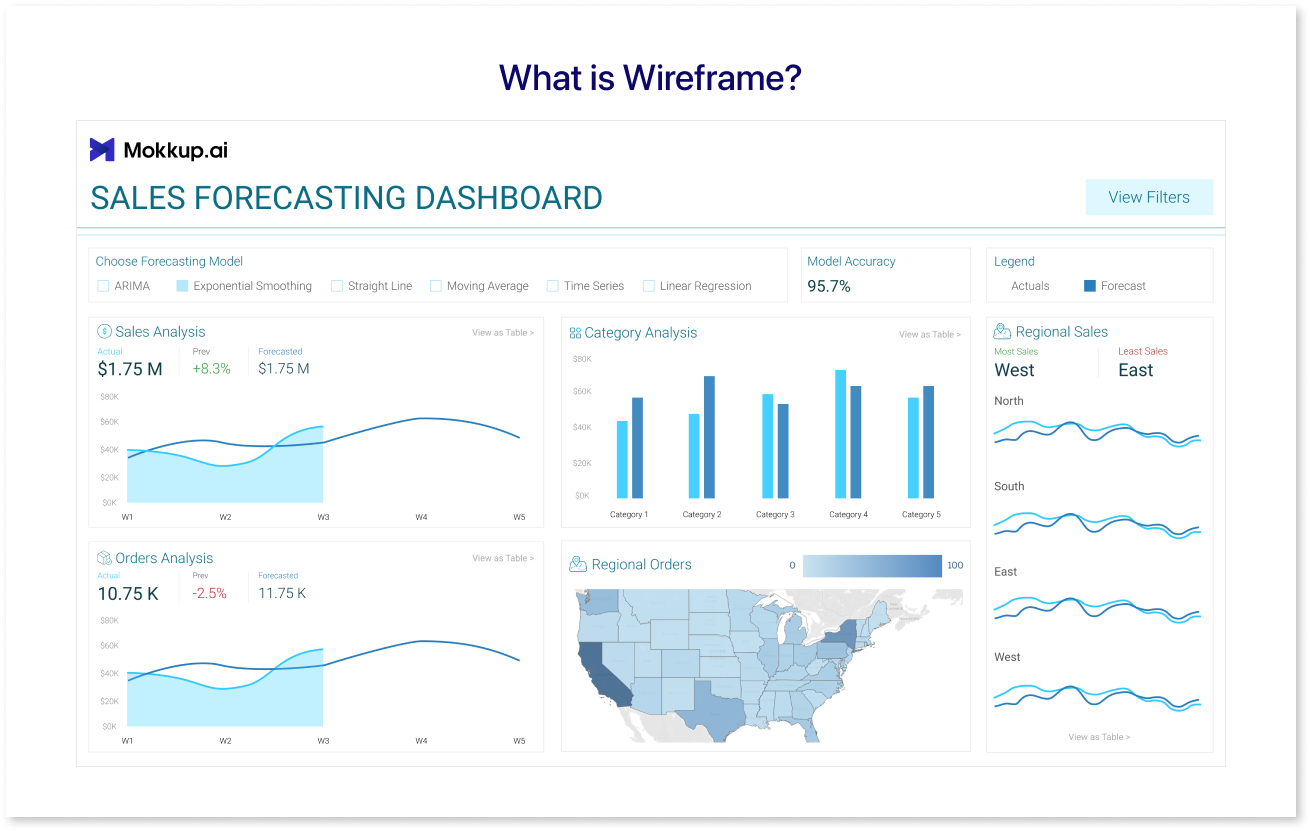
A wireframe is a simple, low-fidelity representation of a website or application's layout. It's like a blueprint or skeleton of the interface, showing the arrangement of elements and their relationships to each other. Wireframes are used to plan the layout of a website or application before any design work is done, helping to ensure that the interface is user-friendly, functional, and meets the target audience's needs.
Beyond the data visualizations, the backbone of an effective dashboard is its wireframe. Think of it as the blueprint, outlining the layout, organization, and flow of information. A well-designed wireframe prioritizes key metrics, balances visual elements, and ensures intuitive navigation, allowing users to grasp the data quickly and accurately. It plays a crucial role in crafting a functional and visually appealing dashboards that truly empowers decision-making.
Types of Wireframes
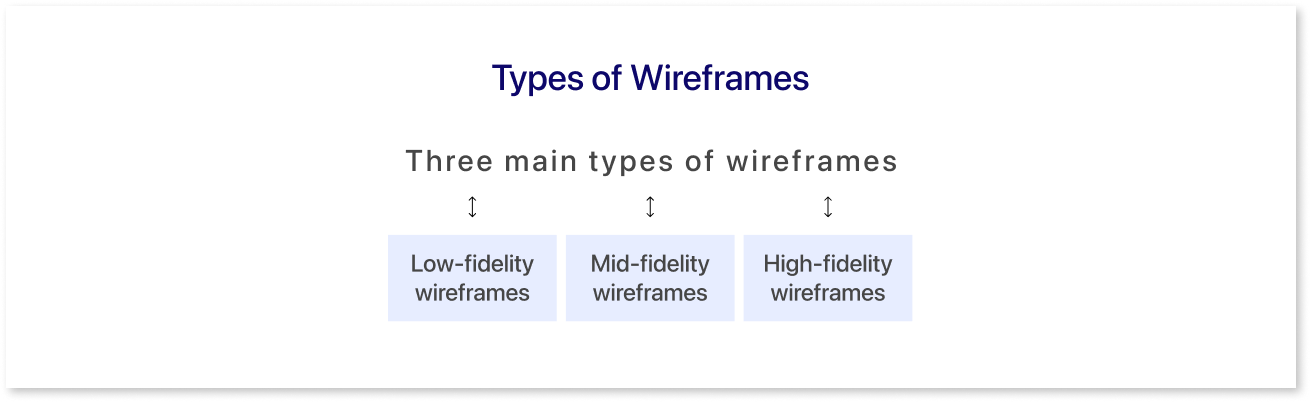
There are three main types of wireframes:
- Low-fidelity wireframes: These are the simplest and most basic type of wireframe, using basic shapes and text to represent the layout of the interface. They are often used early in the design process to sketch out ideas and get feedback from stakeholders quickly
- Mid-fidelity wireframes: These are more detailed than low-fidelity wireframes, using more complex shapes and adding visual elements like icons and basic colors. They are used to refine the layout further and get more feedback before moving to a high-fidelity prototype.
- High-fidelity wireframes: These are the most detailed type of wireframe, using actual mockups of the interface elements and incorporating branding and visual style. They are used to create a final prototype that can be used for usability testing.
What is a Prototype?
A prototype is a working model of a product or system that is used to test and refine ideas before they are put into production. It is an early sample, model, or release of a product built to test a concept or process. Prototypes are used in a variety of contexts, including:
- Dashboard design: Prototypes are used to test the usability and functionality of products before they are manufactured. This can help to identify and fix problems early in the design process, saving time and money.
- Software development: Prototypes are used to test the functionality of software before it is released. This can help identify and fix bugs and ensure that the software meets the needs of the users.
- Web design: Low-fidelity prototypes are used to test the layout and usability of websites before they are launched. This can help identify and fix problems with the user interface and ensure that the website is easy to use and navigate.
Key Differences Between Wireframes & Prototypes
Wireframes and prototypes are both essential tools in the product development process, but they serve different purposes and have distinct characteristics. Here's a breakdown of the key differences between wireframes and prototypes:
|
Wireframes |
Prototypes |
|
|
Fidelity: |
|
|
|
Purpose: |
|
|
|
Level of Interaction: |
|
|
|
Timeline: |
|
|
|
Tools: |
|
|
Pros & Cons of Each Type
In general, dashboard wireframes are a good choice for early-stage design when you need to quickly communicate ideas and get feedback on the overall structure of a product. Prototypes are a better choice for later-stage design when you need to test and refine user interactions and get feedback on the overall user experience. Here is a table summarizing the pros and cons of wireframes and prototypes:
|
Pros |
Cons |
|
|
Wireframes: |
|
|
|
Prototypes: |
|
|
When to use Wireframes & Prototypes
Wireframes and prototypes are two essential tools in the design and development process, but they serve different purposes and are best used at different times. Here's a breakdown of when to reach for each:
Wireframes:
- Early-stage planning: When you're still solidifying your digital product's core structure and functionality, wireframes are your best friend. They help you visualize the layout, information hierarchy, and user flow without getting bogged down in visual details.
- Stakeholder buy-in: Need to get everyone on the same page before development starts? Wireframes are a great way to communicate your vision to stakeholders like clients or investors. They're easy to understand and modify, making it simple to gather feedback and iterate on the design.
- Rapid iteration: Testing different layouts and user flows quickly and efficiently is crucial for finding the optimal solution. Wireframes, with their low fidelity, allow you to experiment and make changes without wasting development time.
Prototypes:
- Testing user interaction: Once you have a solid foundation, it's time to see how users will actually interact with your design. Prototypes add interactivity to your wireframes, allowing users to click, tap, and explore the flow of your product.
- Identifying usability issues: Prototypes help you uncover confusing navigation, clunky interactions, and hidden features before they become costly problems to fix later in development.
- Refining visual design: High-fidelity prototypes, with their polished visuals and realistic interactions, are perfect for testing different design elements and ensuring your product looks and feels just right.
Tools and Techniques for Effective Design
Effective wireframing and prototyping play a pivotal role in the design and development process, providing a tangible preview of the final product. Several tools and techniques can enhance these processes:
Tools for Effective Design
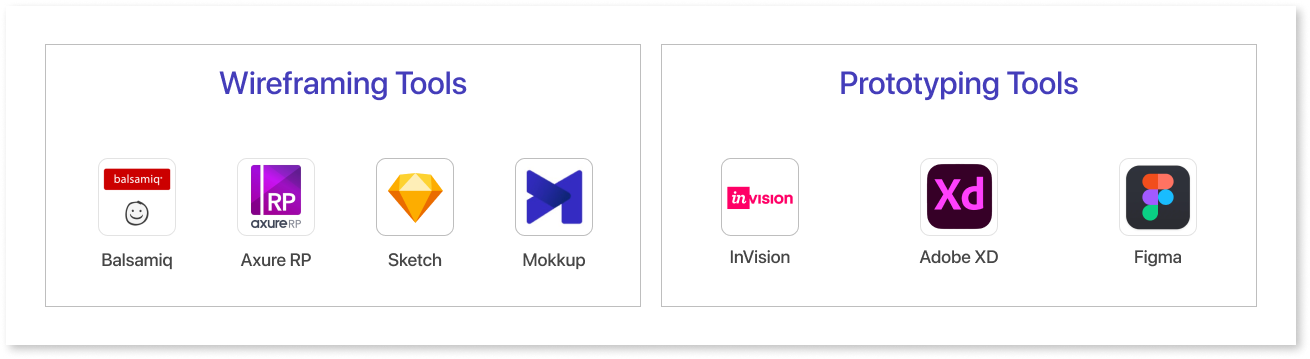
1. Wireframing Tools:
- Balsamiq: Known for its simplicity, Balsamiq enables quick sketching of wireframes. It is ideal for quickly laying out website and app structures. It focuses on core functionality and user flow rather than visual aesthetics.
- Axure RP: Offers advanced prototyping capabilities with dynamic and interactive elements. It is excellent for creating realistic representations of web experiences and complex interactions.
- Sketch: Popular among UI/UX designers, it allows for easy vector-based wireframing. It's well-suited for creating high-fidelity wireframes with more focus on visual appearance.
- Mokkup: Mokkup is a cloud-based dashboard wireframing tool that empowers data analysts, developers, and business teams to collaborate seamlessly and create stunning data visualizations. Its intuitive interface, extensive library of elements and templates, and design capabilities make it an invaluable tool for anyone involved in the data visualization process.
2. Prototyping Tools:
- InVision: Facilitates the creation of interactive and animated prototypes, allowing designers to demonstrate user flows. It helps designers test and refine user experiences before development.
- Adobe XD: Integrates design and prototyping features, fostering a seamless workflow. It allows designers to move from wireframing to high-fidelity prototypes efficiently within one platform.
- Figma: A cloud-based tool that supports collaboration in real-time, making it easy for teams to work together. It facilitates real-time teamwork and version control, making it ideal for distributed design teams.
Techniques for Effective Design
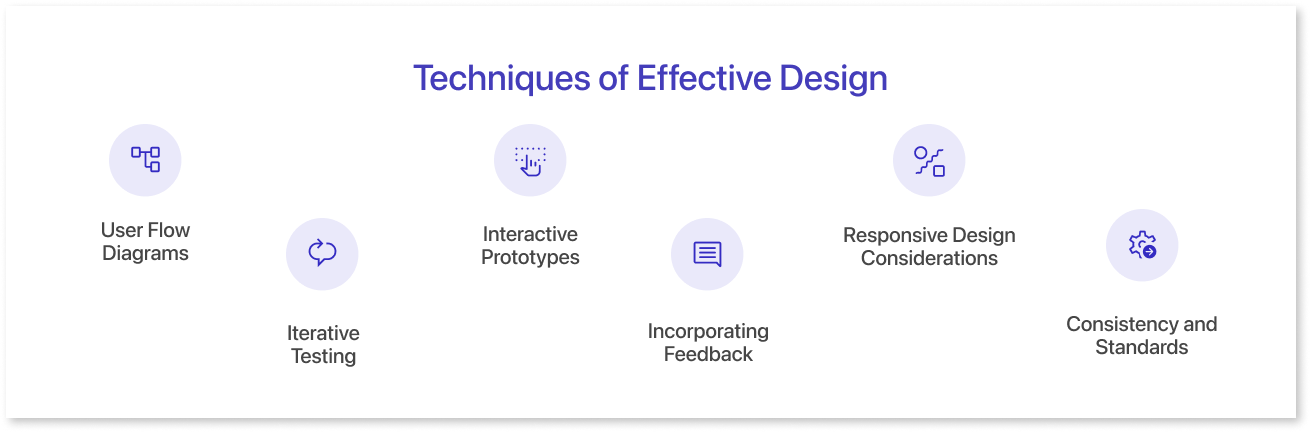
- User Flow Diagrams: Creating user flow diagrams helps map out the navigation and interactions, ensuring a logical and user-friendly experience.
- Interactive Prototypes: Developing interactive prototypes with hotspots and clickable elements provides a more realistic user experience, aiding in user testing and feedback.
- Responsive Design Considerations: Ensure wireframes and prototypes account for responsiveness, addressing how the design adapts to different screen sizes and devices.
- Iterative Testing: Regularly testing wireframes and prototypes with potential users or stakeholders helps identify improvements and ensures alignment with user expectations.
- Incorporating Feedback: Establish a feedback loop with stakeholders, developers, and users to refine wireframes and prototypes iteratively.
- Consistency and Standards: Adhering to design standards and maintaining consistency across wireframes and prototypes contributes to a cohesive and polished end product.
By combining these tools and techniques, anyone can streamline the wireframing and prototyping process, fostering collaboration, obtaining valuable feedback, and ultimately delivering a more refined and user-centric final product.
Conclusion
In conclusion, wireframes, and prototypes are both indispensable tools in the development of any tool that has a user interface, each playing a crucial role in shaping the user experience. Wireframes provide a solid foundation for defining the product's structure, layout, and information flow, while prototypes bring those ideas to life, allowing for user testing and interaction refinement. By understanding the distinct purposes and characteristics of wireframes and prototypes, designers can effectively leverage these tools to create products that are both functional and intuitive, catering seamlessly to the needs of their users.
Try Mokkup today
Prompt it. Wireframe it with Mokkup.ai.