

Upgrading Plan
If you have been using the free plan and want to upgrade your plan to the Mokkup Pro plan. You can follow the steps given below:
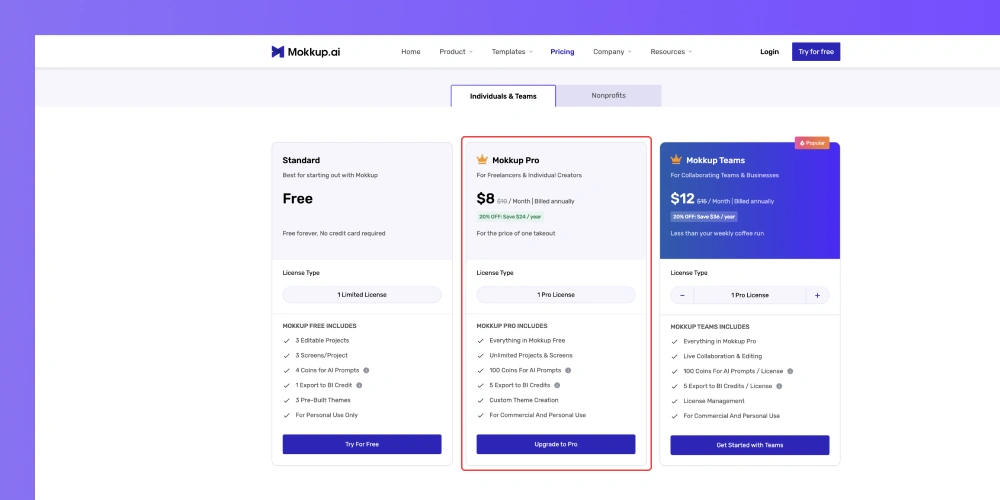
In the free plan, you get access to a limited number of projects and features that you can use before utilizing the project limit and will get an alert to upgrade your plan.
You can click on the “Buy Now” button in the alert, as shown above.
Pro Plan
If you want to use the Pro Plan right away, just follow these simple steps:
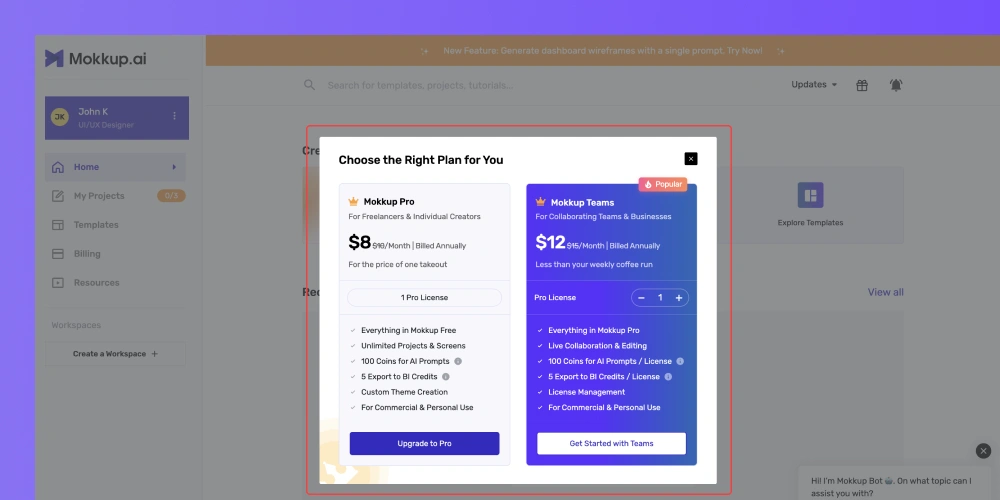
When you log into your account, you get the above pop-up to upgrade your plan. You can click "Buy Now” to do the same.