

Updating Card Information
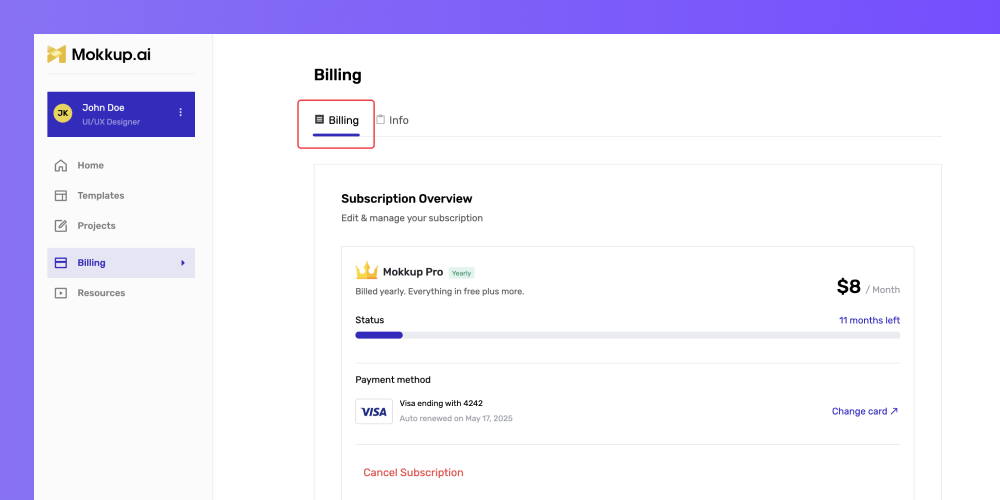
To update your card information, go to the billing section and click on the “Change card” link, as shown above.
How to download the invoices?
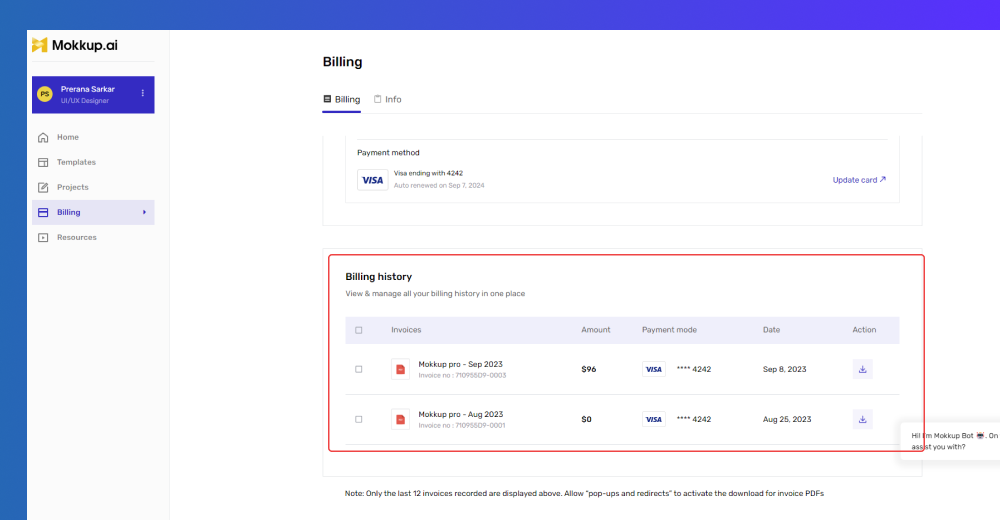
Click the arrow button under the “Action” column to download the invoices.
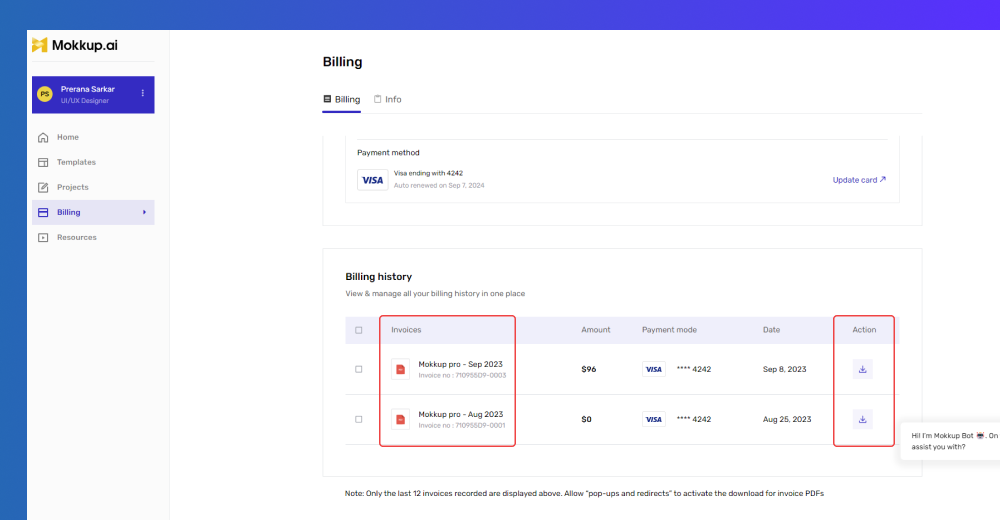
However, if you have multiple invoices, you can click on the square checkbox to download the multiple invoice PDFs and click the “Download selected” button, as shown above.