

Templates
The templates section on Mokkup gives access to all categories and all available template options.
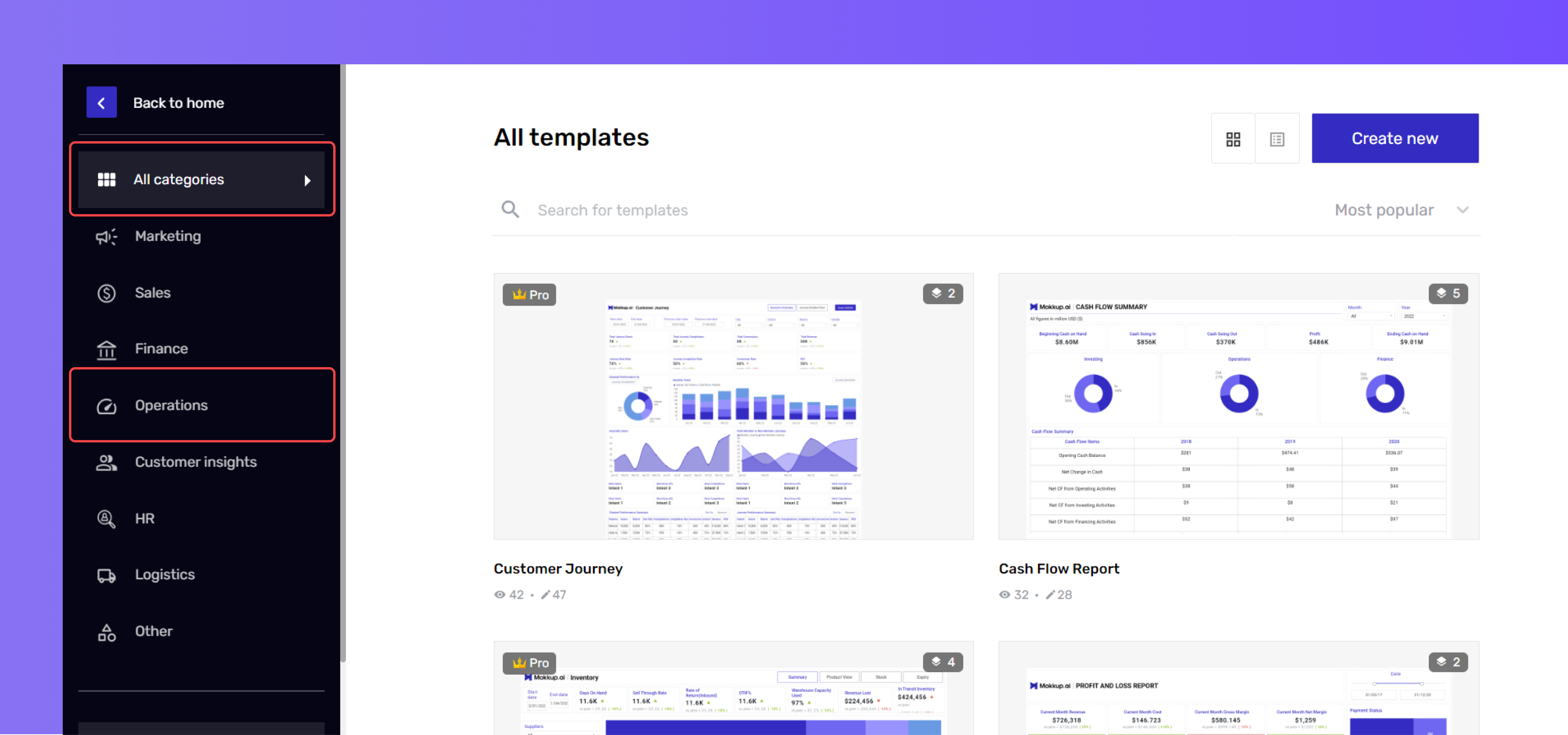
The “All Categories” option will display all the available templates. You can browse the options to select and work on them according to your requirements.
Secondly, you can browse the templates category-wise; just click on the category and get all the template options.
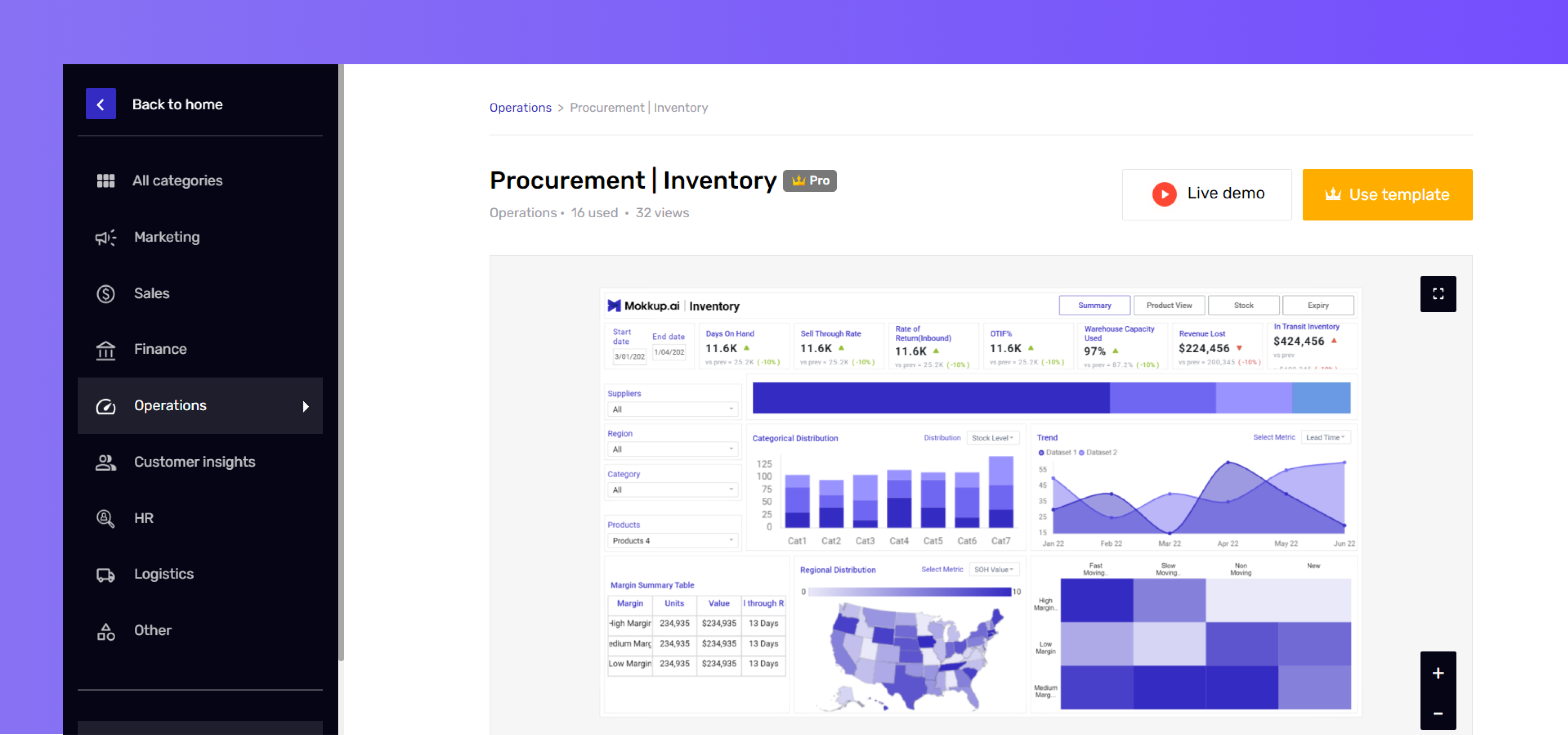
Moreover, you can also go through the blogs available for all the templates to get a good knowledge of the dashboard wireframe. To access the blog, follow simple steps:
- Click on the category and select the template.
- Scroll to the “About the Dashboard” section to read the blog.
- For a more detailed blog on each template, visit the Templates section on the Mokkup homepage.
Tip: For faster access, you can filter the options by most recent, popular, pro, and free. Or, you can use the search bar to find the template.