

Setting Up Accounts for New Users
How to Register for Mokkup.ai?
Mokkup.ai provides a vast range of templates and industry-wide categories. Use pre-made templates or customize them to meet your needs. To register for Mokkup.ai, you can follow the simple steps mentioned below. Also, registration for Mokkup.ai is free.
Go to Mokkup.ai Homepage
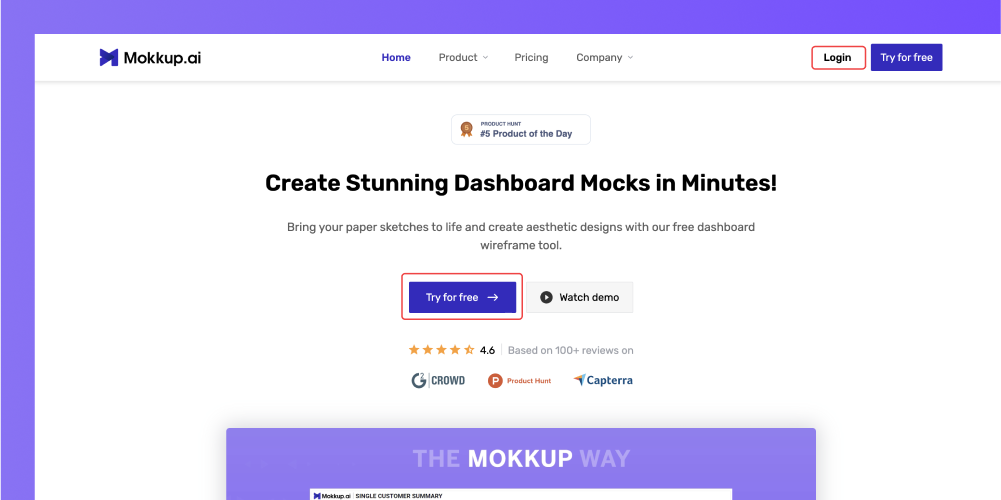
You can sign up using either of the "Sign up" buttons. Click the “Try for Free” button to redirect to the next page.
Create New Account
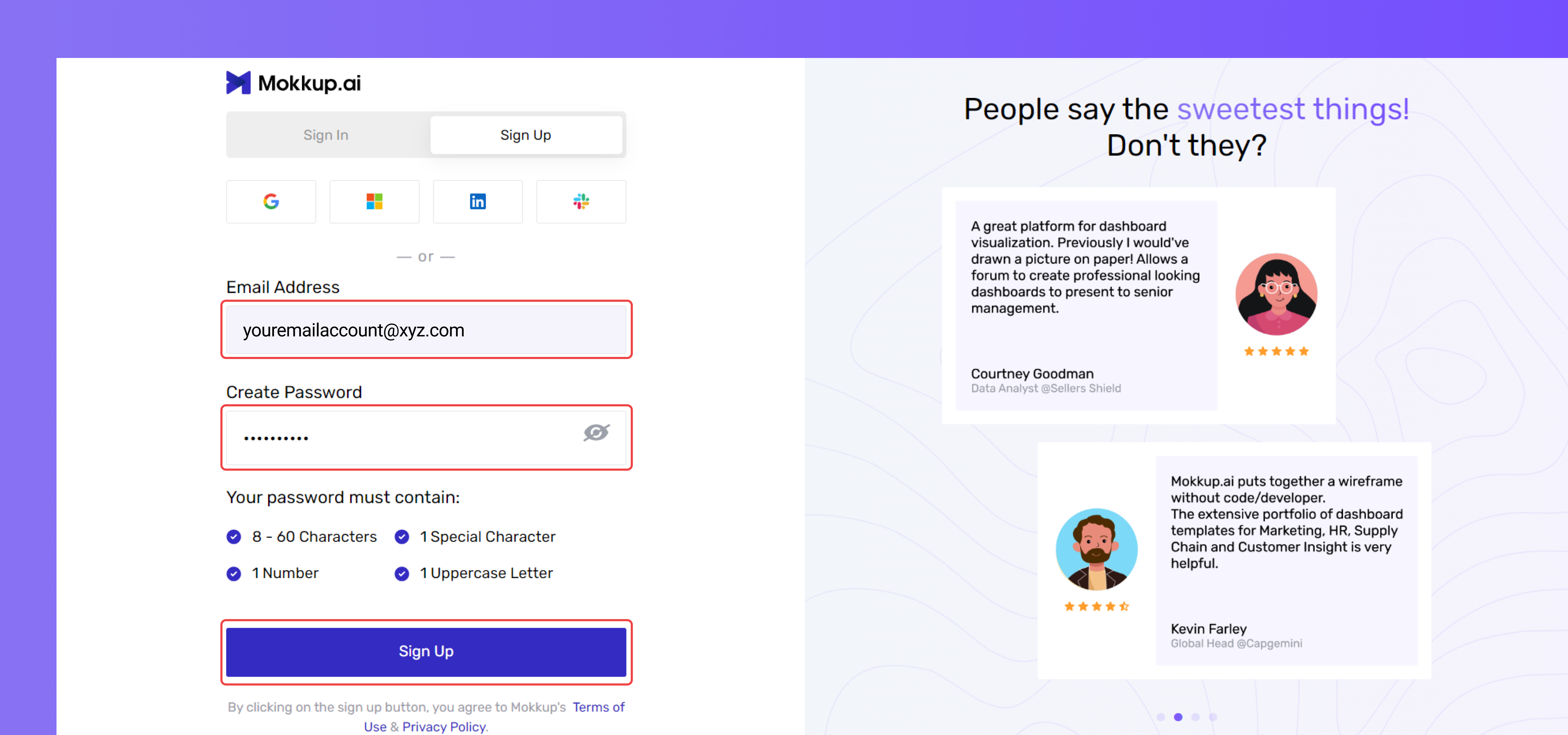
You will be redirected to the page above. Click on "Sign Up" and fill in your details, including your email address and a new password. Alternatively, you can sign up using your Google, Microsoft, LinkedIn, or Slack account.
Email Verification
Once you click the “Sign up” button, you will receive a verification code on your registered email address. Enter the 6-digit code on the screen and click “Verify.”
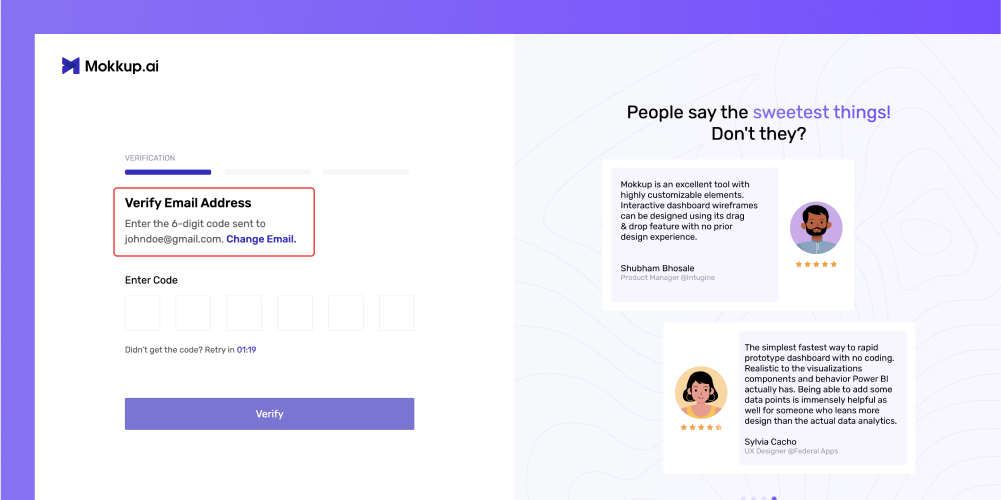
Fill in your details
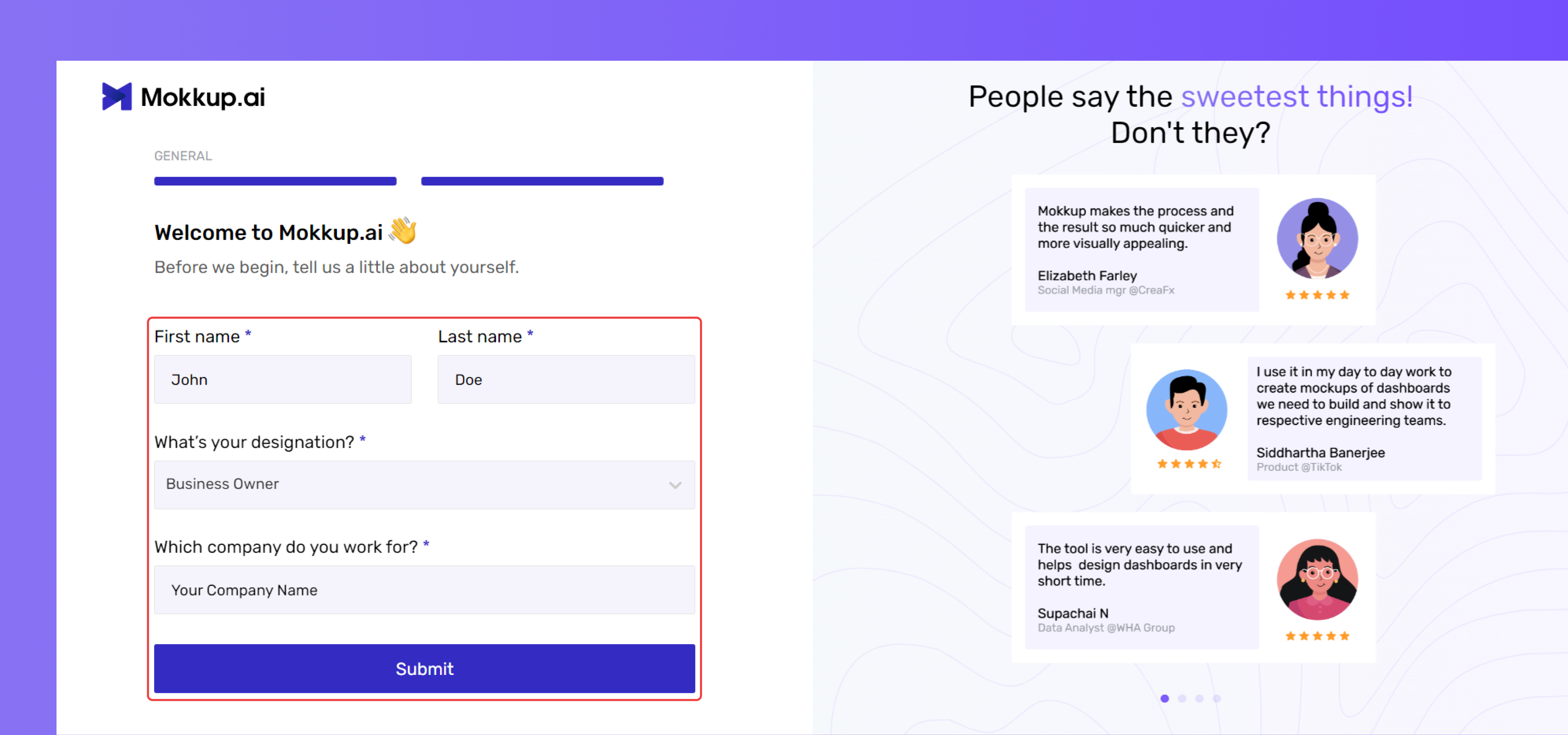
Enter your first and last name, then select your designation from the drop-down menu. Next, provide your company's name when prompted. Finally, click "Submit" to complete the sign-up process.
Welcome Tour
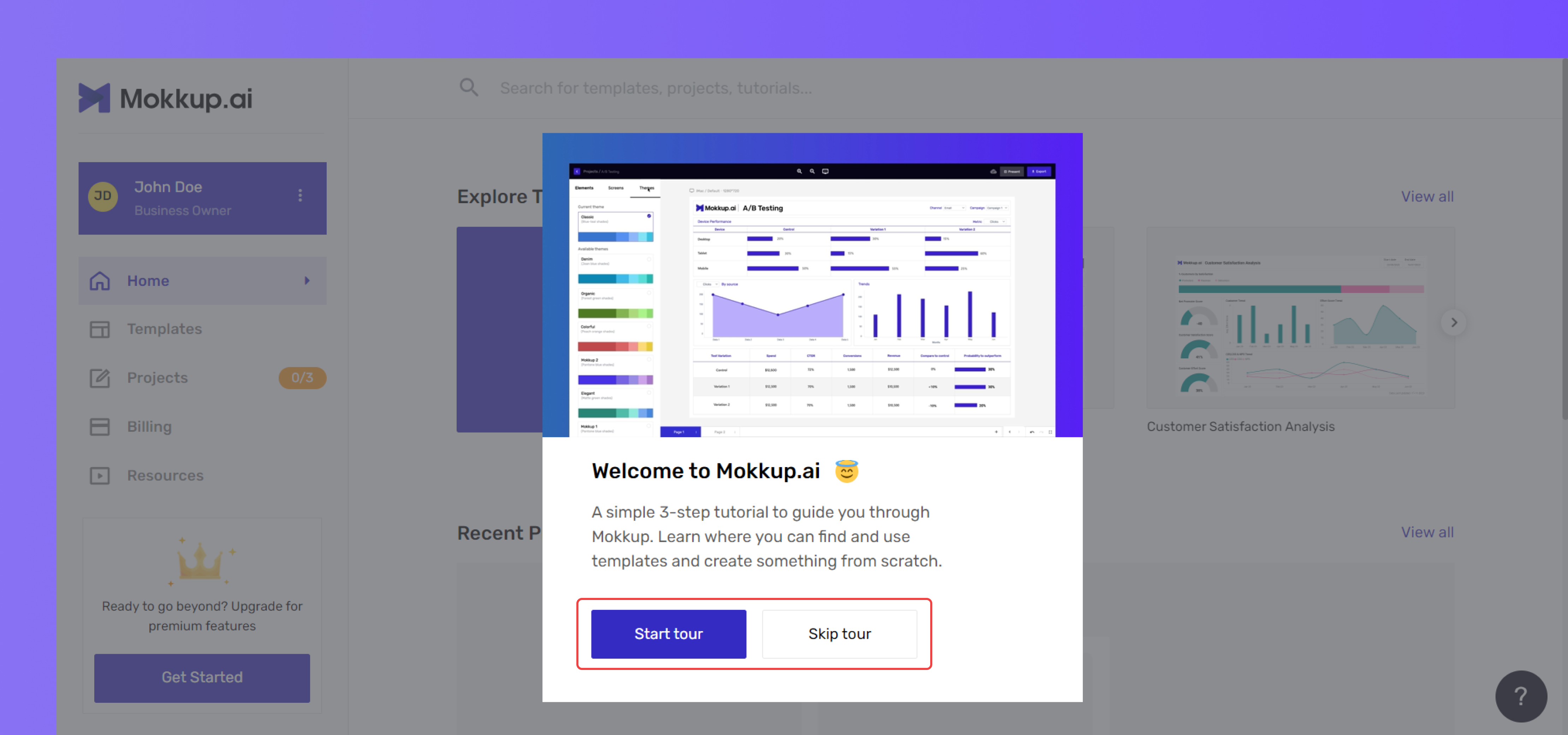
You can click "Start tour” to familiarize yourself with the Mokkup.ai interface or “Skip tour” to proceed with using the product.