

Previewing
The “Preview” option gives you a final look at your dashboard wireframe design. The preview option is mainly used to ensure everything in your design is correct; it gives you an idea about how your final design will look before exporting.
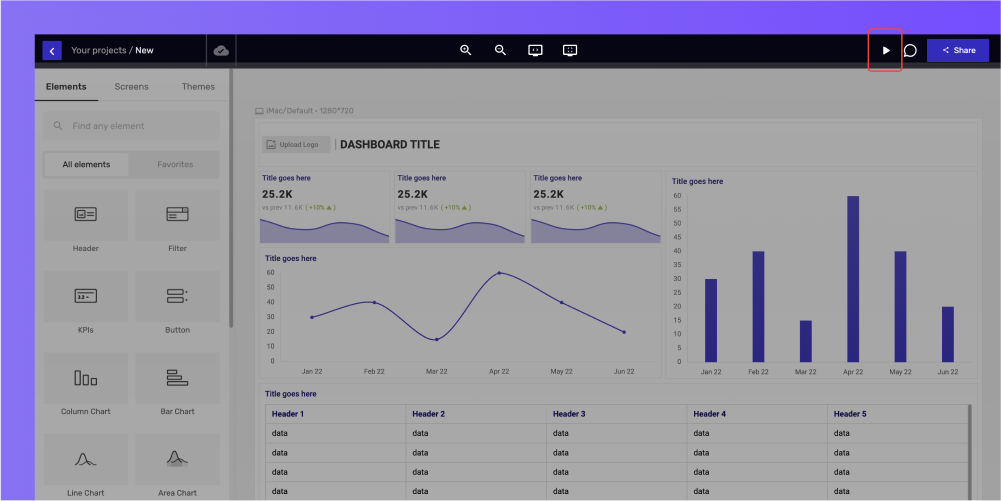
Tip: Make sure to preview your design before the final export. It will help you fix errors and save you from the process of exporting your design again.
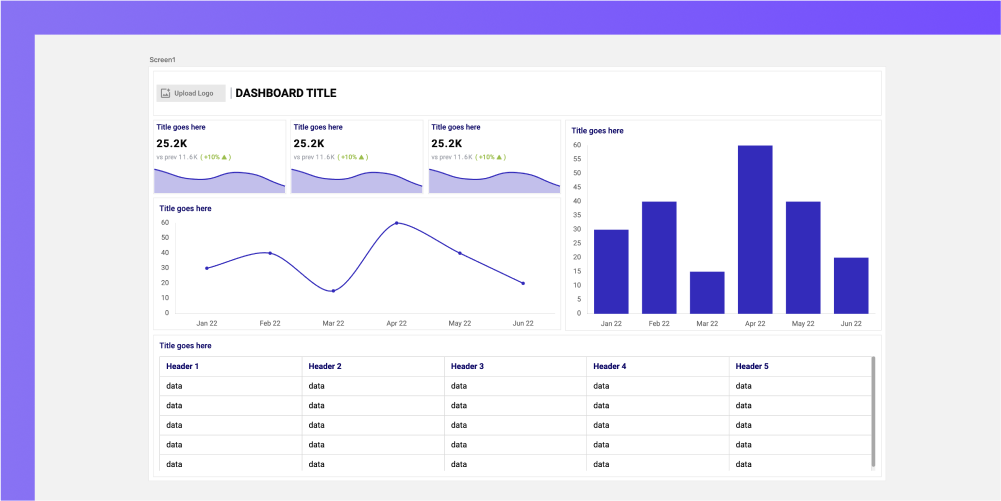
The full-screen preview will look similar to your final design, as shown above for reference.
You can zoom in and out and adjust the screen to fit back to its original size using the controls in the middle of the navbar, as shown above. Similarly, you can switch between the screens using the arrows at the bottom bar.
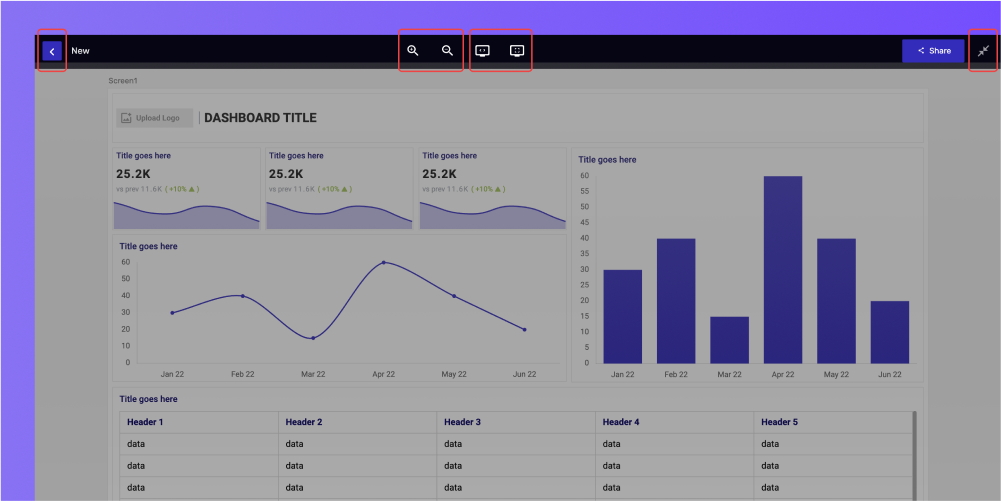
To enter the full-screen preview, click on the double arrow at the top right corner of the screen, as shown above.
To exit the preview screen, hover over the design until the navbar appears and click on the blue arrow at the top left corner of the screen.