

Dashboard Builder Menu
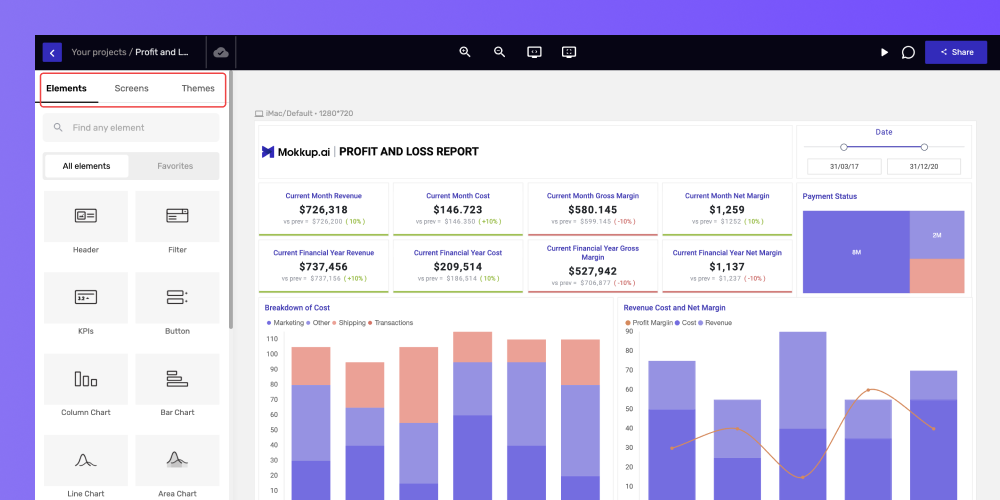
The dashboard builder menu provides three options:
-
Elements: You can access all the features from the elements section.
-
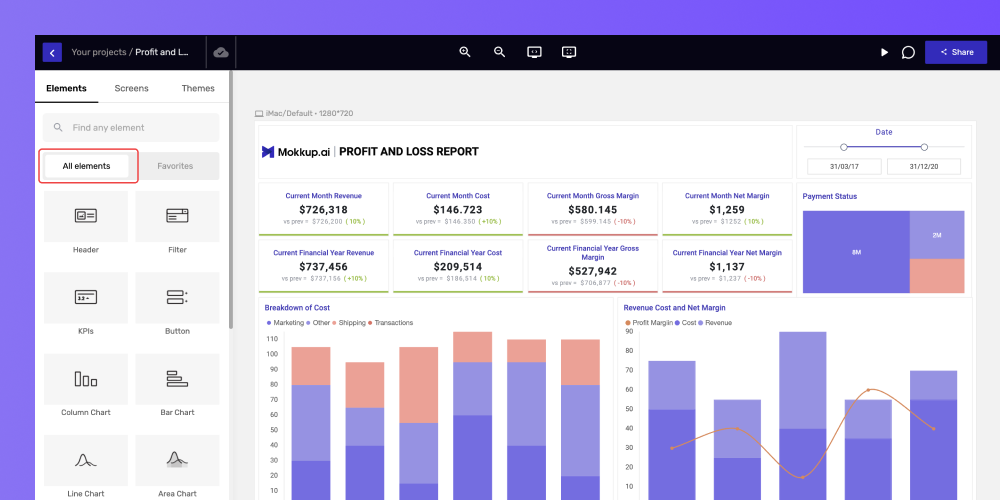
Favorites: All the elements you will mark favorite can be accessed from the “Favorites” tab.
Choose the element you want to mark as a favorite, then click the heart icon on the dashboard editor navbar, as demonstrated above.
-
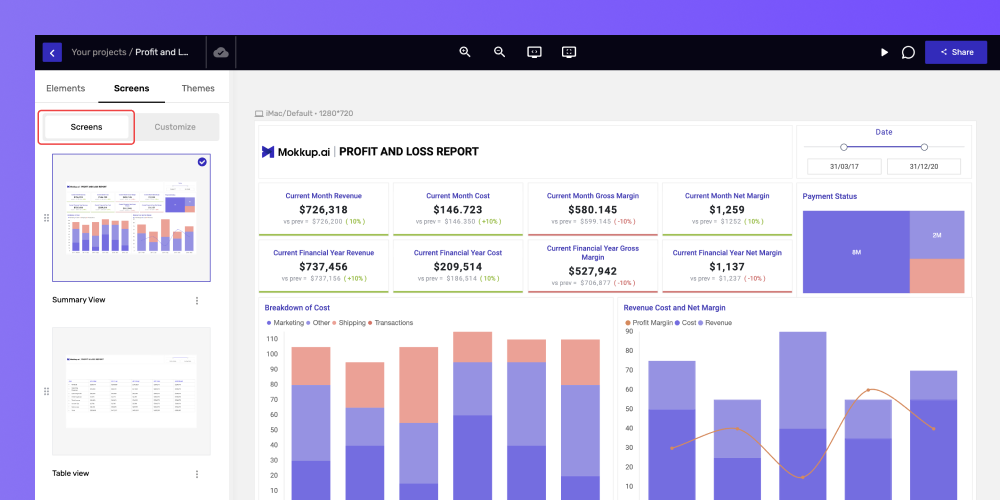
Screens: You can navigate through all the screens you’ve added to your project.
-
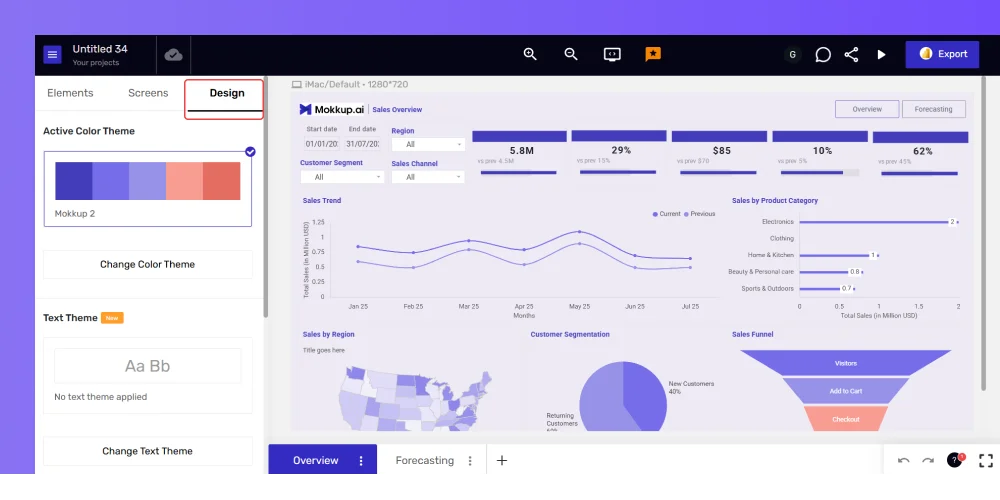
Designs: Explore various themes and customization options for your canvas and select accordingly.