

Creating Multiple Teams
The process of creating multiple teams in Mokkup offers a flexible and organized approach to managing licenses. By setting up distinct teams, you can allocate resources effectively, assign licenses based on specific needs, and streamline access control for different groups within your organization. Here’s a step-by-step guide:
- Click the + icon next to Workspace in the left sidebar.
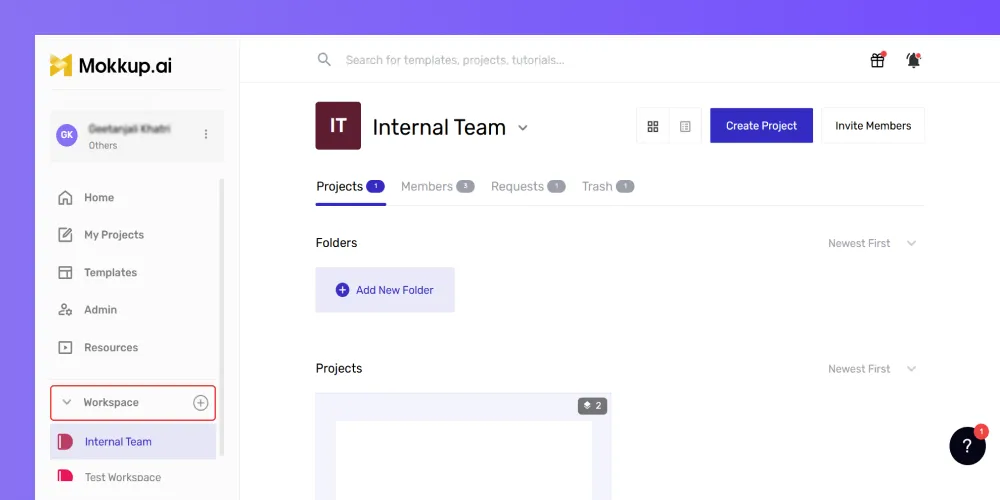
- Fill in the team's details on the redirected page.
-
Click Create to complete the setup.
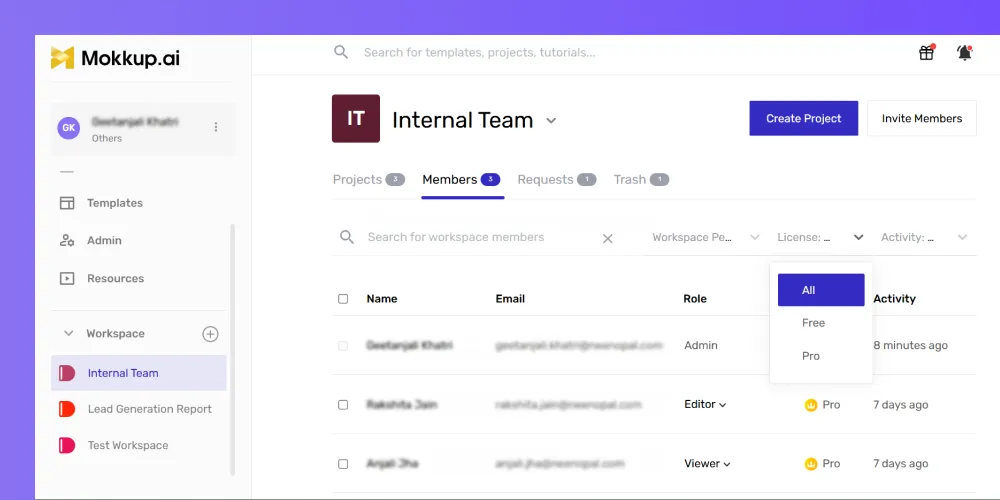
- Assign licenses to the new team based on your requirements.
- You can start members with free licenses and upgrade to Pro as needed.
- Each team you create has its own settings, including billing, member permissions, and access control.